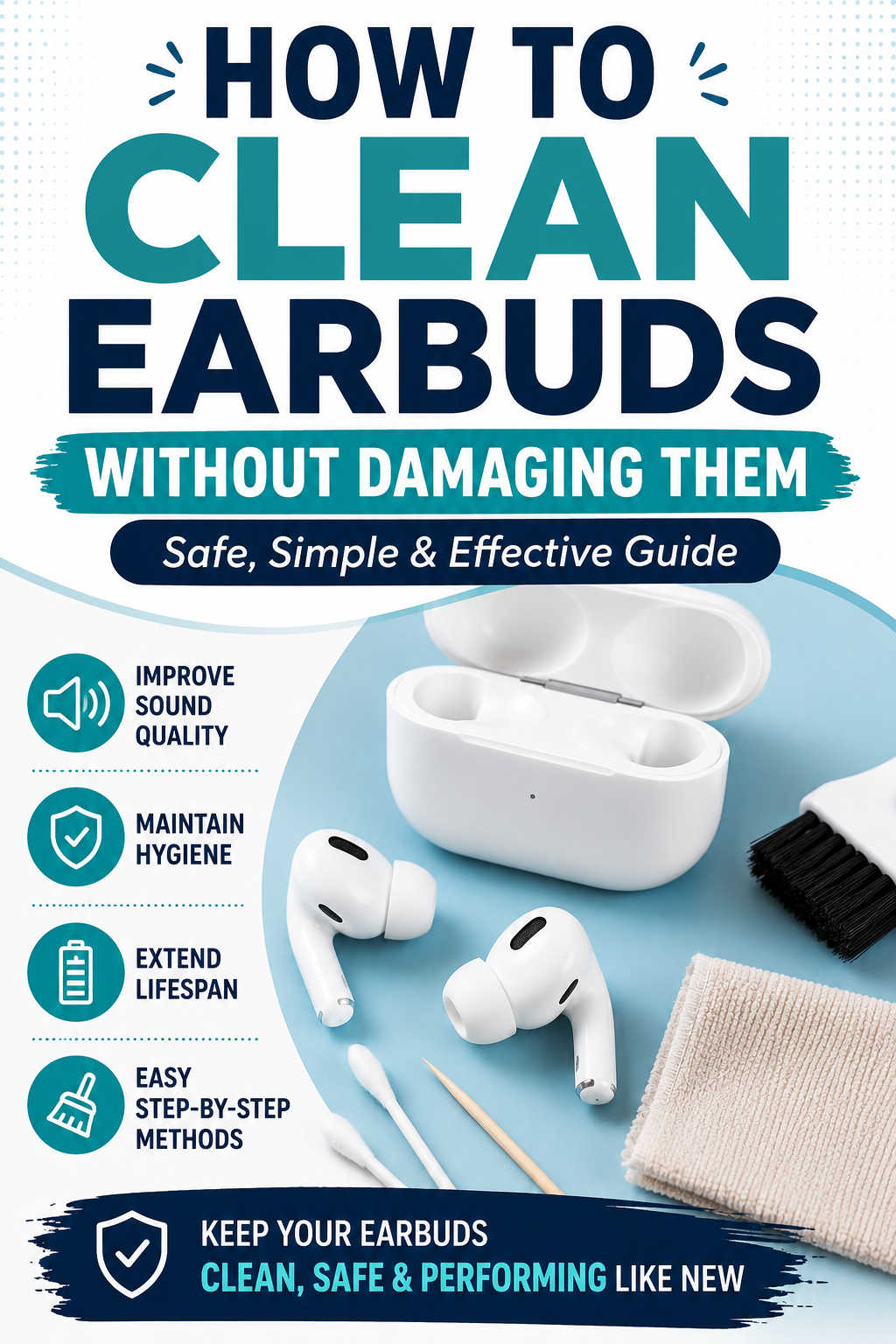
Earbuds have become part of everyday life. Whether you’re listening to music during your commute, taking work calls, exercising, or relaxing with a podcast, they’re likely one of your most-used devices. Because they spend so much time in your ears and pockets, they naturally collect earwax, dust, sweat, and bacteria.
Unfortunately, many people don’t think about cleaning their earbuds until the sound becomes muffled or one side stops working properly. By then, dirt has often built up enough to affect both audio quality and hygiene.
The good news is that cleaning earbuds is simple when done correctly. You don’t need specialized equipment or expensive cleaning kits. A few common household items and the right technique are usually all it takes to keep your earbuds looking, feeling, and sounding their best.
In this guide, you’ll learn how to safely clean wired and wireless earbuds, what mistakes to avoid, how often they should be cleaned, and how to keep them in excellent condition without risking damage.
Why Cleaning Your Earbuds Matters
Regular cleaning isn’t just about appearance. Dirt and earwax can block the tiny speaker mesh that delivers sound, making your favorite songs or podcasts seem quieter than they actually are. Many people assume their earbuds are wearing out when, in reality, they simply need a thorough cleaning.
Clean earbuds are also more hygienic. Since they sit directly inside or against your ears, they can accumulate bacteria, oils, and sweat over time. While earbuds themselves aren’t usually the cause of ear infections, keeping them clean helps reduce the amount of dirt and germs that come into contact with your ears.
Routine maintenance can also extend the lifespan of your earbuds. Dust inside charging contacts or speaker openings may interfere with charging, connectivity, or sound performance. Spending just a few minutes cleaning them every week or two can help prevent these issues before they become frustrating.
What You’ll Need Before You Start
The safest cleaning tools are usually the simplest ones. Most people already have everything they need at home.
A microfiber cloth is ideal for wiping away fingerprints, oils, and sweat without scratching the surface. Cotton swabs are useful for reaching small areas, while a soft-bristled toothbrush or electronics cleaning brush can gently loosen debris trapped around the speaker grille.
You’ll also want a small amount of isopropyl alcohol, preferably 70% or higher. It evaporates quickly and helps sanitize surfaces without leaving moisture behind. If your earbuds have removable silicone ear tips, mild soap and warm water are sufficient for cleaning those pieces separately.
Avoid using sharp metal objects, abrasive cleaners, bleach, hydrogen peroxide, or household cleaning sprays. These products can damage protective coatings, speaker mesh, or electronic components.
Turn Off Your Earbuds Before Cleaning
Before touching any part of your earbuds, power them off and disconnect them from your phone, tablet, or computer.
Wireless earbuds should also be removed from the charging case before cleaning. This simple precaution reduces the risk of accidental button presses, electrical damage, or short circuits if a small amount of moisture is used during the cleaning process.
Although many modern earbuds offer water resistance, it’s important to remember that water-resistant doesn’t mean waterproof. Electronics should always be cleaned with as little moisture as possible.
Remove and Clean the Silicone Ear Tips
If your earbuds include removable silicone ear tips, take them off before cleaning the main body.
These tips tend to collect the most earwax because they’re in direct contact with your ears. Washing them separately prevents dirt from being transferred back onto the earbuds later.
Wash the ear tips using warm water and a drop of mild dish soap. Gently rub away any buildup with your fingers, rinse thoroughly, and allow them to air dry completely.
It’s important to be patient during this step. Even a small amount of trapped moisture can make its way into the speaker opening once the ear tips are reattached.
If your earbuds use foam ear tips, avoid soaking them in water unless the manufacturer specifically recommends it. Foam is more delicate and can lose its shape when cleaned improperly.
Clean the Speaker Mesh Without Damaging It
The speaker grille is one of the most delicate parts of any earbud.
This tiny mesh protects the internal speaker while allowing sound to pass through. Because of its design, it’s also where earwax and fine dust are most likely to collect.
Hold each earbud so the speaker points downward. This allows loosened debris to fall away instead of being pushed deeper inside.
Using a soft brush, gently sweep across the mesh with light strokes. Avoid pressing down, as excessive pressure can deform the mesh or force wax further into the speaker chamber.
If stubborn buildup remains, use a wooden toothpick or a soft plastic cleaning pick to carefully lift the debris from the surface. Work slowly around the edges rather than poking directly into the center.
This method is effective because it removes buildup mechanically instead of forcing it through the protective mesh, helping preserve sound quality while reducing the risk of permanent damage.
Wipe Down the Exterior
Once the speaker area is clean, wipe the outer housing using a microfiber cloth that’s lightly dampened with isopropyl alcohol.
The alcohol dissolves skin oils, sweat residue, and fingerprints while evaporating quickly enough to minimize moisture exposure.
Take your time around seams, buttons, microphones, and touch-sensitive surfaces. These areas often collect grime that isn’t immediately visible.
Never pour alcohol directly onto the earbuds or immerse them in any liquid. Even earbuds with water-resistance ratings contain openings for microphones and speakers that should stay as dry as possible.
Clean the Charging Contacts and Charging Case
Many charging problems are caused by dirty charging contacts rather than failing batteries.
Pocket lint, dust, and skin oils gradually build up inside charging cases, preventing a solid electrical connection.
Use a dry cotton swab or a soft brush to clean the charging pins and surrounding areas. If needed, slightly dampen the swab with isopropyl alcohol, making sure it isn’t dripping.
Allow everything to dry completely before placing the earbuds back inside the charging case.
Cleaning the case regularly is just as important as cleaning the earbuds themselves. Otherwise, freshly cleaned earbuds are immediately exposed to dirt again every time they’re stored.
Common Earbud Cleaning Mistakes to Avoid
Many damaged earbuds aren’t the result of age—they’re the result of improper cleaning.
One of the biggest mistakes is using excessive liquid. Even a waterproof-rated pair isn’t designed to have cleaning solution poured directly onto it. Moisture can work its way into microphones, speakers, and charging contacts.
Another common mistake is using sharp tools like sewing needles, knives, or metal pins to remove earwax. While these may seem effective, they can easily puncture the speaker mesh or scratch delicate internal components.
Compressed air is another cleaning method worth avoiding. High-pressure air often forces debris deeper into the earbud rather than removing it.
Finally, never rush the drying process. Charging damp earbuds or reinstalling wet ear tips increases the chance of moisture-related damage.
How Often Should You Clean Your Earbuds?
The ideal cleaning schedule depends on how frequently you use them.
If you wear earbuds every day, a quick wipe-down once a week helps prevent buildup before it becomes noticeable. People who exercise regularly should clean their earbuds after several workouts because sweat and skin oils accumulate much faster during physical activity.
Occasional users may only need a deeper cleaning every two to four weeks.
Rather than waiting until sound quality declines, think of earbud cleaning as routine maintenance—similar to cleaning eyeglasses or wiping down your phone screen.
Troubleshooting Common Earbud Problems After Cleaning
Sometimes earbuds still don’t perform as expected after they’ve been cleaned. Understanding the cause can help you decide whether another cleaning is needed or if the problem lies elsewhere.
One Earbud Sounds Quieter Than the Other
This usually means some earwax remains trapped beneath the speaker mesh. Another gentle brushing session often removes the remaining debris.
If the imbalance persists after repeated cleaning, the issue may be related to software settings, audio balance controls, or internal hardware rather than dirt alone.
Earbuds Won’t Charge Properly
Charging issues are frequently caused by dirty charging contacts inside the case.
Inspect both the earbuds and the charging pins for lint or oxidation. Cleaning these contact points often restores proper charging because it improves the electrical connection between the earbuds and the charging case.
Sound Still Seems Muffled
If audio quality doesn’t improve after cleaning, verify that removable ear tips are installed correctly and that no protective mesh remains blocked.
You should also test the earbuds with another device to rule out Bluetooth or software-related problems.
Persistent muffled sound after thorough cleaning may indicate aging speakers or internal component wear rather than dirt.
Tips for Keeping Earbuds Clean Longer
Preventing buildup is much easier than removing it.
Store your earbuds in their charging case whenever they’re not in use instead of placing them loosely in a pocket or backpack. Cases protect them from lint, dust, and accidental contamination.
Cleaning your ears regularly also reduces the amount of wax transferred onto the speaker mesh. You don’t need to over-clean your ears—simply maintaining normal ear hygiene can make a noticeable difference.
After workouts, quickly wipe your earbuds with a dry microfiber cloth before storing them. Removing sweat immediately helps prevent residue from hardening over time.
Making these small habits part of your routine means you’ll spend less time performing deep cleanings later.
When It May Be Time to Replace Your Earbuds
Cleaning can solve many common audio issues, but it isn’t a cure for every problem.
If your earbuds have cracked housings, torn speaker mesh, swollen batteries, or continue producing distorted sound after repeated cleaning, replacement may be the better option.
Likewise, if charging failures or Bluetooth connection problems persist despite clean contacts and updated firmware, internal components may have reached the end of their lifespan.
For users who rely on earbuds every day, upgrading can also make sense if newer models offer improved battery life, stronger water resistance, better noise cancellation, or more comfortable ear tips. However, if your current earbuds still perform well after a proper cleaning, there’s usually no reason to replace them.
Final Thoughts
Keeping your earbuds clean is one of the simplest ways to improve sound quality, maintain good hygiene, and extend the life of your device. With a soft brush, a microfiber cloth, and a little patience, you can safely remove earwax, dust, and everyday grime without damaging delicate components.
The key is to clean gently, use minimal moisture, and avoid common mistakes such as sharp tools or excessive liquids. Regular maintenance not only keeps your earbuds looking their best but also helps prevent muffled audio, charging problems, and unnecessary wear over time.
Whether you use your earbuds for work, travel, exercise, or entertainment, making cleaning part of your routine will help them perform reliably for longer. Start with a quick inspection today, and you’ll likely notice the difference in both sound quality and overall listening comfort.