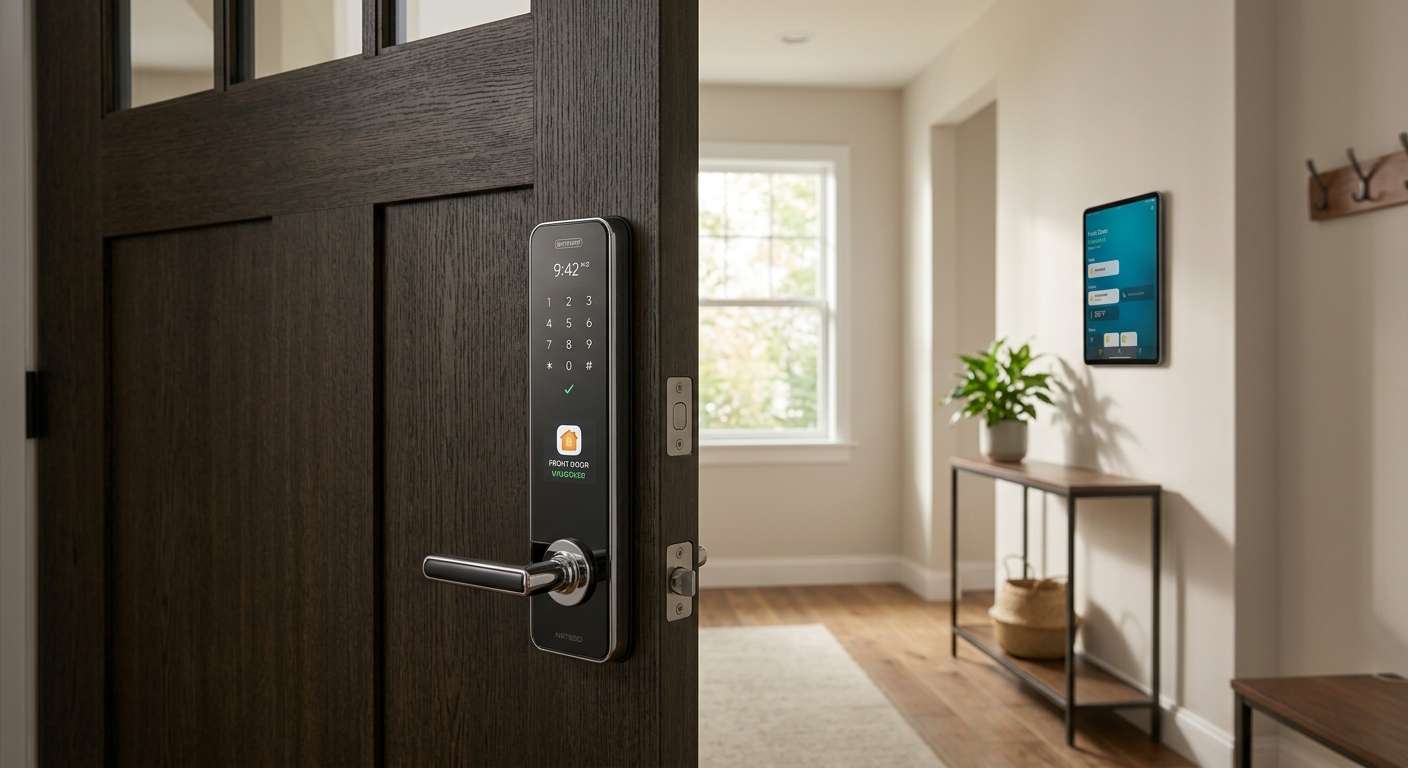
There’s a very specific kind of annoyance reserved for standing on your own doorstep, arms full of groceries, watching a smart lock blink a dying red light back at you. It always seems to happen at the worst possible moment, and for years it was just the cost of doing business with keyless entry.
That’s changed. Smart lock makers spent the last couple of years treating battery efficiency as an actual selling point instead of a footnote buried in the spec sheet, and the gap between a well-engineered lock and a power-hungry one is no longer subtle. Some of today’s best locks can run for close to a year on a single set of batteries. Others, still built around always-on Wi-Fi, will have you swapping cells every ten to twelve weeks whether you want to or not.
This guide walks through what actually drives battery drain in a smart lock, which models are genuinely earning their long-battery-life reputation this year, and how to troubleshoot the most common power problems before they leave you locked out.
What Actually Drains a Smart Lock’s Battery
Two locks can look nearly identical on a showroom shelf and still behave completely differently once they’re installed on your door. The difference almost always comes down to three design choices manufacturers make long before the lock ever reaches a store.
The Wireless Protocol Is the Biggest Factor
A lock with a built-in Wi-Fi radio is constantly holding a connection open to your router, checking in, and staying ready to receive commands from an app. That kind of persistent chatter is expensive in terms of power, which is why Wi-Fi-only locks are almost always the shortest-lived options on the market, typically lasting somewhere between three and six months per battery set.
Locks built around Bluetooth, Z-Wave, Zigbee, or Thread behave very differently. These protocols let the lock doze in a low-energy sleep state most of the time and only wake up briefly when a command actually arrives, whether that’s from your phone, a hub, or a keypad press. That single design decision is why Thread- and Z-Wave-based locks routinely stretch to nine, ten, or even fourteen months on a charge, even though they’re doing essentially the same job as their Wi-Fi counterparts.
Motors Are Power-Hungry, Even When They’re Small
Any lock that physically rotates a deadbolt or turns your existing key cylinder needs a motor to do it, and motors draw a noticeable burst of current every single time they fire. Fully motorized systems that handle auto-locking and auto-unlocking — the kind you find on retrofit locks like the Nuki Pro or Yale Linus — tend to need recharging every few months simply because that motor is working constantly throughout the day.
Locks that skip the motor entirely and instead power a small electronic latch or simply engage an existing manual mechanism sip so little energy that a single set of batteries can realistically last a year or more. This is the same principle behind commercial access-control cylinders, which often run for years between battery changes precisely because there’s no motor involved.
Extra Sensors and Features Add Up Quietly
Fingerprint readers, facial recognition cameras, door-position sensors, and always-on voice assistant hooks all draw a small amount of power continuously, and those small draws compound over time. A lock running radar-triggered facial recognition, for instance, will burn through a battery noticeably faster than the same lock with that feature turned off, simply because the sensor is watching for a trigger around the clock. None of these features are inherently bad, but they do come with a battery cost that’s worth weighing against how often you’ll actually use them.
The Best Smart Locks for Long Battery Life Right Now
With those fundamentals in mind, a few locks on the market in 2026 stand out for genuinely delivering on their battery-life claims rather than just advertising them.
Level Lock Pro: The Longest-Lasting Option for Most Homes
If runtime is your single biggest priority, the Level Lock Pro is hard to beat. It skips an in-lock Wi-Fi radio altogether, relying instead on Thread and Bluetooth, and Level rates it for up to a full year of use on one CR2 lithium battery. That’s roughly double what an always-on Wi-Fi lock typically manages, and it’s a direct result of the low-power design choices covered above.
It’s also one of the more discreet locks available. The mechanism tucks inside the door edge itself, so from the outside your door looks completely unmodified aside from an optional keypad accessory. It works with Apple Home, supports Home Key tap-to-unlock, and connects with Matter, Alexa, Google Home, and SmartThings.
The one thing to watch for is recovery: there’s no jump-start terminal for a dead battery, so if it does run out unexpectedly, you’re relying on a physical key to get in. Given that a full charge is rated to last a year, this is a manageable risk as long as you don’t ignore the low-battery alert when it shows up in the app.
Yale Assure Lock 2: The Best Choice If You Want Flexibility
The Yale Assure Lock 2 earns its place on this list by adapting to however you want to use it. Run it in Bluetooth-only mode and you’re looking at roughly nine months to a year on four standard AA batteries. Swap in the Z-Wave module instead of adding Wi-Fi, and many households report well over a year of runtime under normal daily traffic. The moment you add the Wi-Fi module, though, that number drops sharply to somewhere between three and six months, which is worth knowing before you commit to a configuration.
What really sets this lock apart is its backup plan. If the batteries do die completely, you can touch a standard 9-volt battery to two contacts on the underside of the housing for just enough power to get inside — a small feature that solves the exact doorstep panic scenario this whole guide is trying to help you avoid. Combine that with an optional physical keyway, and it’s one of the more forgiving locks on the market when battery maintenance slips your mind.
Schlage Encode Plus: Best for Apple Home Households
The Schlage Encode Plus isn’t the outright battery-life champion on this list, but its Thread-based connectivity keeps it well ahead of Wi-Fi-only competitors, and Schlage rates it for up to six months of typical use on four AA batteries. Owners who lean on Apple HomeKit and Thread rather than the lock’s Wi-Fi option often report battery life toward the higher end of that range, since Thread does most of the heavy lifting instead of a power-hungry Wi-Fi connection.
Its real draw is ecosystem depth. It was the first smart lock in North America to support Apple Home Key, letting you unlock the door with a simple tap of an iPhone or Apple Watch, and newer 2.0 models add Matter support for broader compatibility across smart home platforms. It also carries an ANSI/BHMA Grade AAA security rating and a limited lifetime mechanical warranty, so you’re not trading away physical security for smart features.
If you’re already deep in the Apple ecosystem and want a lock that balances reasonable battery efficiency with strong integration and a solid security rating, this is the practical pick rather than the extreme one.
Bold Elite and Salto Neo: Built for Multi-Year Battery Life
For battery life measured in years rather than months, the answer isn’t a smarter radio — it’s removing the motor from the equation entirely. The Bold Elite runs on a single CR123A battery, while the Salto Neo uses four LR1 cells, and neither lock uses a motor to physically turn a cylinder. Because the electronics only need to power minimal internal logic rather than a mechanical drive, both can realistically run for years before anyone needs to think about batteries again.
These locks make the most sense in settings where dozens of doors need to be managed at once, like apartment buildings, rental properties, or office suites, where nobody wants to schedule maintenance visits every few months. The trade-off is that they’re generally simpler access-control cylinders rather than full residential smart deadbolts with touchscreens and deep voice assistant integration, so they’re a better fit for property managers than for someone who wants Alexa announcing when the door unlocks.
Eufy Smart Lock: The Budget Pick That Still Delivers
Eufy’s smart locks have built a solid reputation for stretching six months to a full year out of a single charge, helped along by micro-USB charging with an optional battery backup and hardware rated to keep working in temperatures from -22°F to 140°F. For anyone who doesn’t need Apple Home Key or Matter support and just wants a dependable lock that won’t nag for batteries every season, it’s a genuinely good value without a lot of compromise.
Troubleshooting Common Smart Lock Battery Problems
Even a well-chosen lock can run into battery issues, and most of the time the fix is simpler than it looks once you understand why the problem is happening in the first place.
If your lock is draining far faster than its rated battery life, the most common culprit is signal interference or a weak connection to your router or hub. When a lock struggles to maintain a stable Wi-Fi or Z-Wave connection, it has to work harder and transmit more frequently to stay connected, which burns through power much faster than a stable connection would. Moving your router or hub closer to the door, or adding a mesh extender near the entryway, often solves this without touching the lock itself.
Cold weather is another frequent cause of unexpectedly short battery life, especially with alkaline batteries, which lose a meaningful chunk of their capacity in freezing temperatures. This is a chemistry problem, not a lock defect, so the fix is switching to lithium batteries for any door exposed to real winter conditions — lithium cells handle cold far better and are worth the slightly higher upfront cost if you live somewhere the temperature regularly drops below freezing.
If you’ve noticed your battery life getting shorter over several months rather than staying consistent, it’s worth checking how many notifications, auto-lock cycles, or geofencing checks your lock is running. Features like auto-unlock based on your phone’s location require the lock or your phone to check position frequently, and cranking up notification frequency or shortening auto-lock delays both mean more motor cycles and more radio activity. Dialing back these settings to only what you actually use can meaningfully extend the time between battery changes.
Finally, if a lock seems to die well before its rated lifespan even under normal conditions, it’s worth ruling out a bad battery batch or a firmware issue before assuming the hardware itself is at fault. Many manufacturers push firmware updates specifically to fix power-management bugs discovered after launch, so checking for a pending update in the companion app is a quick step that resolves more battery complaints than people expect.
Should You Upgrade Your Current Smart Lock?
Not every dead battery means it’s time to replace the whole lock. If you’re using a Wi-Fi-only lock and getting the three-to-six-month battery life that’s typical for that category, that’s expected behavior rather than a defect, and the fix might be as simple as adding a Z-Wave or Thread module if your lock supports one, rather than replacing the entire unit.
Upgrading makes more sense if your current lock is a fully motorized, Wi-Fi-dependent model that needs recharging every few weeks despite light use, since that combination represents close to the worst-case scenario for battery drain. It’s also worth considering a switch if you manage multiple units and are tired of battery-related service calls; in that case, a motor-free option like the Bold Elite or Salto Neo can eliminate most of that maintenance entirely. And if you’re an Apple Home user still on an older lock without Thread or Home Key support, moving to something like the Schlage Encode Plus or Level Lock Pro delivers both better battery efficiency and meaningfully better day-to-day convenience.
On the other hand, if your existing lock is already giving you eight months or more per battery set and does everything you need, there’s little practical benefit to replacing it purely for marginal battery gains. Sometimes the most cost-effective fix really is just switching to lithium batteries or trimming a few unnecessary notification settings.
Final Thoughts on Choosing a Long-Lasting Smart Lock
The locks that stand out in 2026 aren’t necessarily the ones with the biggest batteries — they’re the ones with the smartest power habits. A lock built around Thread, Z-Wave, or Bluetooth will almost always outlast a Wi-Fi-only competitor, and a lock without a motor will outlast both by a wide margin.
If you’re shopping for a new lock, matching the connectivity protocol to how you actually use your home matters more than any single spec on the box. If you’re troubleshooting an existing lock, start with the simplest explanations first: a weak signal, cold-weather batteries, or an overly aggressive notification setting are far more common causes of short battery life than a defective unit. Try the fixes that match your situation, keep a physical backup key nearby just in case, and you’ll spend a lot less time thinking about batteries and a lot more time just walking through the door.