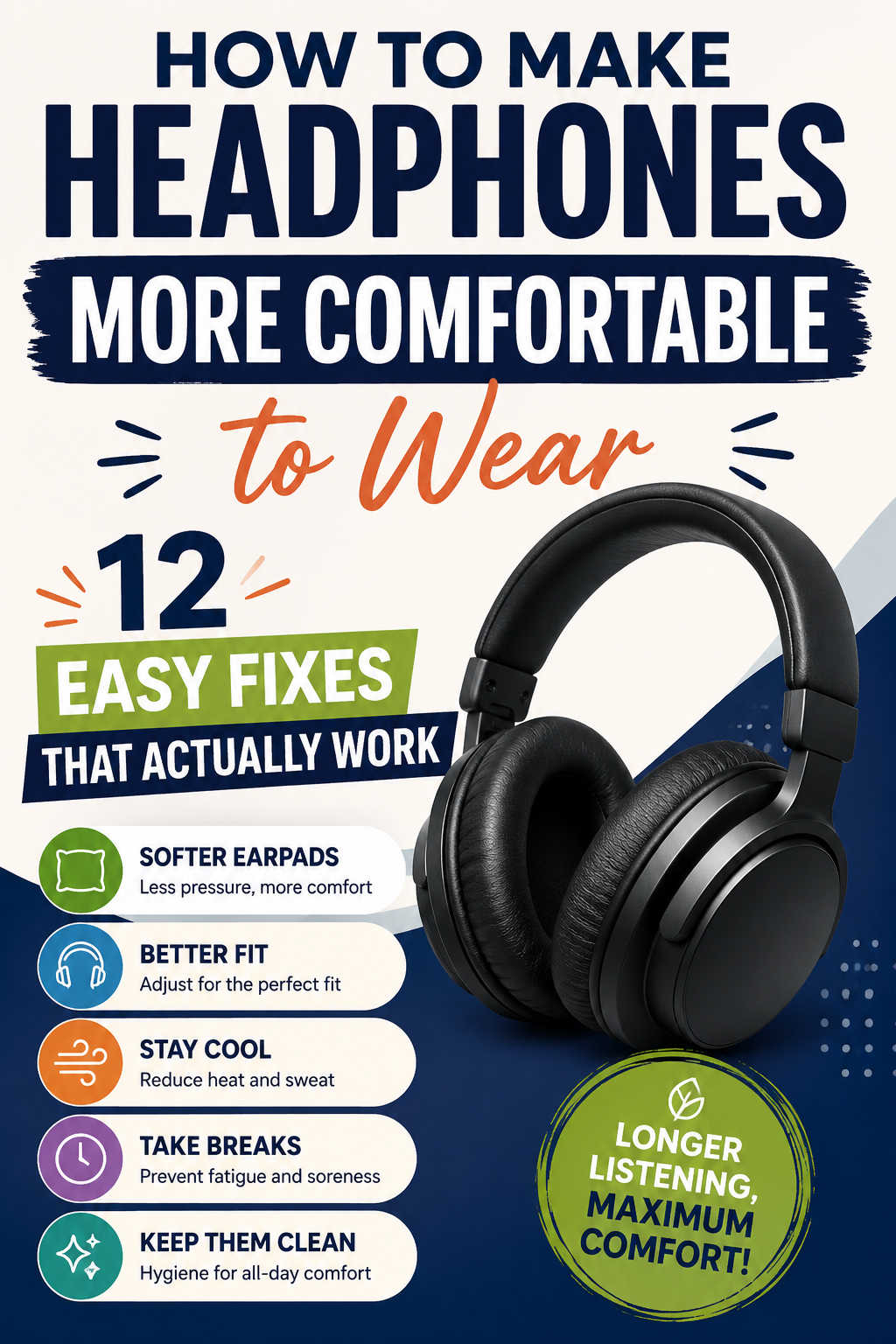
A great pair of headphones can transform the way you listen to music, join video calls, play games, or focus while working. But even excellent sound quality loses its appeal if your headphones become uncomfortable after just an hour or two. Sore ears, headaches, excessive heat, or pressure on the top of your head can make long listening sessions frustrating.
Fortunately, comfort issues are often easier to fix than most people realize. In many cases, a few simple adjustments or inexpensive accessories can make a noticeable difference without requiring you to replace your headphones.
This guide explains why headphones become uncomfortable, how to identify the cause, and the most effective ways to improve their fit for extended wear.
Why Do Headphones Feel Uncomfortable?
Not all discomfort has the same cause. Understanding what’s creating the problem helps you choose the right solution instead of relying on trial and error.
Some headphones apply too much pressure to keep a secure fit, while others have ear cushions that become stiff or flattened over time. Heavy models can create pressure on the crown of your head, and poorly ventilated ear pads often trap heat and moisture during long sessions. Even personal factors such as wearing glasses or having a larger or smaller head shape can affect overall comfort.
Rather than assuming your headphones are simply “bad,” take a moment to identify exactly where the discomfort occurs. Is it your ears, temples, jaw, or the top of your head? Once you know the source, finding an effective fix becomes much easier.
Replace Worn or Uncomfortable Ear Pads
Ear cushions have the biggest impact on headphone comfort because they’re the primary point of contact with your skin. Over time, foam loses its resilience, synthetic leather can crack, and padding gradually compresses, making the headphones feel harder than they did when new.
Replacing old ear pads is often the single most effective upgrade you can make.
Memory foam cushions mold more naturally to the shape of your head, distributing pressure more evenly around your ears instead of concentrating it in a few small areas. Many replacement pads are also available in breathable fabrics or cooling gel materials that reduce heat buildup during extended use.
Besides improving comfort, fresh ear pads can restore the original seal around your ears, which may also improve sound quality and passive noise isolation.
Reduce Excessive Clamping Force
A secure fit is important, but headphones that squeeze too tightly can quickly become uncomfortable. Strong clamping pressure often leads to sore ears, aching temples, or headaches after prolonged listening.
If your headphones feel unusually tight, gently stretching the headband can help reduce the pressure. A common method is to place the headphones over a stack of books or a box that’s only slightly wider than your head and leave them there overnight. This allows the headband to relax gradually without damaging its structure.
Avoid forcing the headband open too aggressively. Making small adjustments over several days is much safer and usually produces better long-term results.
Improve Headband Comfort
Many people assume the ear cups are responsible for all discomfort, but the headband deserves just as much attention.
Heavier headphones place constant pressure on the top of your head. If the built-in padding is thin, that pressure becomes increasingly noticeable during long listening sessions.
Adding a removable headband cushion can spread the weight across a larger area, reducing pressure points and making the headphones feel significantly lighter. These accessories are inexpensive, easy to install, and particularly helpful for studio headphones or gaming headsets designed for extended use.
If your headphones already have adjustable padding, experimenting with different positions may also improve how the weight is distributed.
Adjust the Fit for Better Comfort
Even high-quality headphones won’t feel comfortable if they aren’t adjusted correctly.
Take a few moments to ensure both ear cups sit evenly and the headband is extended just enough to create a natural fit. Over-ear headphones should fully surround your ears instead of resting on them, while on-ear models should apply only light, even pressure.
A proper fit reduces unnecessary strain on your ears and head while helping maintain consistent audio performance.
Small adjustments may seem insignificant, but they often have a surprisingly large impact over several hours of listening.
Choose Breathable Ear Pad Materials
Heat is one of the most common complaints among people who wear headphones for work, gaming, or travel.
Traditional leather or synthetic leather ear cushions create an effective seal but can trap warmth and moisture against your skin. After an hour or two, this often leads to sweaty ears and general discomfort.
If overheating is a recurring issue, consider replacing your ear pads with breathable alternatives. Velour, mesh, and hybrid fabric cushions improve airflow while remaining soft against the skin. Cooling gel cushions are another excellent option for users who spend several hours each day wearing headphones.
Although breathable materials may slightly reduce passive noise isolation compared to leather, many users find the increased comfort well worth the trade-off.
Take Breaks During Long Listening Sessions
Even perfectly fitted headphones can become uncomfortable if worn continuously for hours.
Your ears and surrounding muscles benefit from occasional breaks. Removing your headphones every 45 to 60 minutes allows pressure points to recover while giving your skin time to cool down.
During these short breaks, gently stretch your neck and shoulders or simply walk around for a few minutes. Besides improving comfort, regular breaks can also reduce listening fatigue and encourage healthier listening habits.
If you frequently work or game for extended periods, setting a recurring reminder can help make this routine automatic.
Keep Your Headphones Clean
Comfort isn’t just about padding and fit—cleanliness matters too.
Ear cushions naturally collect sweat, body oils, dust, and skin particles over time. This buildup can make the surface sticky, reduce breathability, and even cause minor skin irritation.
Cleaning your headphones regularly keeps the materials feeling fresh while extending their lifespan. Most ear cushions can be wiped with a soft microfiber cloth that’s slightly dampened with water. Always check the manufacturer’s cleaning recommendations before using any cleaning solution, especially on leather or memory foam materials.
If your ear pads have become permanently cracked or flattened, replacing them is usually a better option than trying to restore them.
Making Headphones More Comfortable When You Wear Glasses
People who wear glasses often experience discomfort much sooner than those who don’t.
The pressure from the ear cups can push the temples of your glasses against the sides of your head, creating sore spots that worsen throughout the day.
Several simple adjustments can help reduce this issue. Softer memory foam cushions conform more naturally around the arms of your glasses, while slightly reducing clamping force often relieves pressure without affecting stability. Lightweight or thinner eyeglass frames can also make long listening sessions noticeably more comfortable.
Finding the right balance between headphone fit and eyewear usually requires a little experimentation, but the improvement is often substantial.
Reduce the Feeling of Heavy Headphones
Some premium headphones include larger drivers, metal components, or bigger batteries, making them heavier than average.
Although you can’t physically reduce their weight, you can make them feel lighter by improving how that weight is distributed.
A well-padded headband, properly adjusted ear cups, and supportive ear cushions all work together to spread pressure more evenly across your head. This reduces localized pressure points that make headphones seem heavier than they actually are.
For users who regularly wear headphones throughout the workday, these small improvements often make a dramatic difference.
Replace Aging Components Before Buying New Headphones
Many people assume discomfort means it’s time for a completely new pair, but that’s not always true.
If your headphones still sound great, replacing worn components may restore much of their original comfort. Ear pads, headband cushions, and even detachable headbands are available for many popular models.
This approach is often far more cost-effective than replacing otherwise functional headphones, particularly if you own a premium pair that was designed with replaceable parts.
Before investing in a replacement, inspect your current headphones for flattened padding, loose components, or deteriorating materials. Sometimes a simple refresh is all they need.
When Should You Consider Buying New Headphones?
While many comfort issues can be fixed, there are situations where upgrading makes sense.
If your headphones have a design that simply doesn’t suit your head shape, use non-replaceable cushions, or continue causing discomfort after you’ve tried several adjustments, replacing them may be the better long-term solution.
When comparing new models, don’t focus exclusively on sound quality. Comfort becomes increasingly important if you wear headphones for several hours every day.
Look for features such as lightweight construction, adjustable headbands, breathable ear cushions, replaceable padding, and moderate clamping force. Reading long-term user reviews can also provide valuable insight into how comfortable a pair remains after months of regular use rather than just during short listening sessions.
Choosing headphones that balance comfort, durability, and audio performance will usually provide greater satisfaction than selecting a model based solely on technical specifications.
Common Mistakes That Make Headphones Less Comfortable
Sometimes discomfort isn’t caused by the headphones themselves but by everyday habits that are easy to overlook.
Wearing headphones continuously for several hours without taking breaks places constant pressure on your ears and head. Ignoring worn-out ear cushions can make even premium headphones feel hard and uncomfortable, while overstretching the headband in an attempt to reduce clamping force may permanently damage its structure.
Another common mistake is choosing headphones based only on sound quality or active noise cancellation. Comfort should be considered just as carefully, especially if you plan to wear them for work, gaming, studying, or long commutes.
Paying attention to both maintenance and fit helps preserve comfort throughout the life of your headphones.
Final Thoughts
Learning how to make headphones more comfortable to wear doesn’t necessarily require expensive upgrades or a brand-new pair. In many cases, improving the fit, replacing worn ear pads, reducing excessive clamping force, and keeping your headphones clean can dramatically improve your listening experience.
The best solution depends on what’s causing the discomfort. If your ears become hot, breathable cushions may be the answer. If your head feels sore, additional padding or a better fit may solve the problem. And if your headphones have simply aged, replacing key components can often restore the comfort they once provided.
Start with the simplest adjustments before investing in replacements. With a little experimentation, you can create a setup that’s comfortable enough for long workdays, gaming sessions, flights, or relaxing with your favorite music—allowing you to focus on what you’re listening to rather than how your headphones feel.