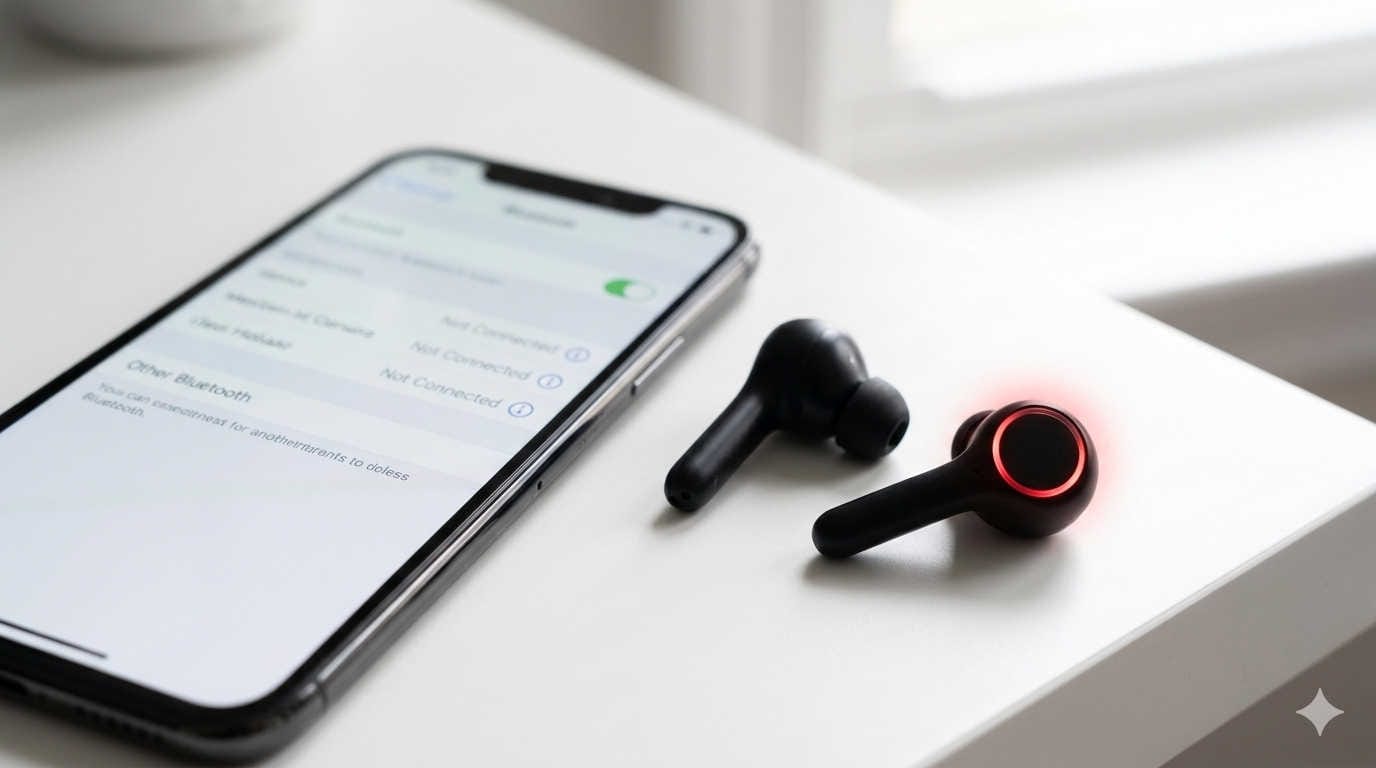
There’s nothing more annoying than putting in your Skullcandy earbuds, pressing play, and realizing sound is only coming from one side. Whether you’re listening to music, gaming, watching videos, or taking calls, losing one channel ruins the experience.
The good news? In most cases, you don’t need to replace your earbuds. When only one Skullcandy earbud works, the issue is usually related to settings, dirt buildup, battery imbalance, pairing errors, or minor cable damage. Many of these problems can be fixed at home in just a few minutes.
This guide walks you through every possible cause and solution in a clear, practical way—whether you’re using wired Skullcandy earbuds or wireless Bluetooth models.
Why Only One Skullcandy Earbud Is Working
Before jumping into fixes, it helps to understand what might be happening. When one earbud stops producing sound, it’s typically caused by one of the following:
- Audio balance settings shifted to one side
- Bluetooth syncing issues (wireless models)
- Low battery in one earbud
- Earwax or debris blocking the speaker mesh
- Loose internal wiring (wired models)
- Damaged cable near the jack or earbud
- Faulty charging contacts
- Software glitch in your phone or laptop
- Internal hardware failure
Most of these issues are minor. Start with the simple checks before assuming the worst.
First: Check Your Device Settings (This Fixes More Issues Than You Think)
Many people skip this step—but it’s often the solution.
Check Audio Balance Settings
If your phone’s audio balance is shifted to the left or right, one earbud will seem “dead” even though it’s working perfectly.
On iPhone:
- Go to Settings
- Tap Accessibility
- Tap Audio/Visual
- Make sure the balance slider is centered
On Android:
- Open Settings
- Go to Accessibility
- Find Hearing or Audio settings
- Check that the left/right balance is centered
If the slider is off to one side, move it to the middle and test again.
Restart Your Device
A quick restart can reset temporary audio glitches.
- Turn your phone or laptop completely off.
- Wait 20–30 seconds.
- Turn it back on.
- Test the earbuds again.
Simple, but surprisingly effective.
Try Another Device
This step helps you isolate the problem.
- Plug or connect your Skullcandy earbuds to another phone, laptop, or tablet.
- If both sides work on the second device, your original device likely has a settings or port issue.
- If the same earbud still doesn’t work, the issue is in the earbuds themselves.
Now you know where to focus.
Fixing Wired Skullcandy Earbuds (One Side Not Working)
If you’re using wired Skullcandy earbuds, the problem is usually related to the cable or headphone jack.
Make Sure the Plug Is Fully Inserted
Sometimes the jack looks inserted but isn’t completely seated.
- Unplug it.
- Firmly plug it back in.
- Gently twist it while audio is playing.
If the sound cuts in and out while twisting, the connection may be loose.
Inspect the Cable Carefully
Look closely at the wire, especially near:
- The 3.5mm jack
- The point where the cable meets the earbud
- The inline microphone section
These are common stress points.
Signs of cable damage include:
- Visible bends or kinks
- Fraying
- Soft or flattened spots
- Sound cutting in and out when moved
If moving the wire restores sound briefly, you likely have an internal wire break.
Clean the Headphone Jack
Lint and dust often build up inside phone headphone ports.
To clean it:
- Use a wooden toothpick to gently remove debris.
- Blow compressed air into the port.
- Avoid metal objects that could damage internal pins.
After cleaning, reconnect the earbuds and test again.
Perform the “Wiggle Test”
Play music and gently move the cable at different points.
If sound returns when you bend the wire at a specific spot, the internal copper wire is damaged there. Unfortunately, this usually requires repair or replacement.
Fixing Wireless Skullcandy Earbuds (One Earbud Not Working)
Wireless earbuds add another layer of complexity—mainly syncing and battery issues.
Make Sure Both Earbuds Are Charged
One earbud may not work simply because it has no battery.
- Place both earbuds in the charging case.
- Ensure the charging pins are clean.
- Leave them charging for at least 20–30 minutes.
- Check that LED indicators turn on.
If one earbud doesn’t light up, the charging contacts may be dirty.
Clean them using:
- A dry cotton swab
- A small amount of rubbing alcohol (lightly dampened)
Let them dry before charging again.
Forget and Re-Pair Your Earbuds
Bluetooth glitches often cause one earbud to stop playing sound.
Here’s how to reset the connection:
- Open Bluetooth settings on your device.
- Tap your Skullcandy earbuds.
- Select “Forget” or “Unpair.”
- Turn Bluetooth off.
- Restart your phone.
- Turn Bluetooth back on.
- Re-pair the earbuds from scratch.
Test them again after reconnecting.
Reset Your Skullcandy Earbuds
Many Skullcandy models allow manual resets. The method varies slightly, but a common reset process includes:
- Turn off both earbuds.
- Remove them from Bluetooth devices.
- Press and hold the power or multifunction button for about 10–15 seconds until the LED flashes.
- Place them back in the case.
- Remove and pair again.
If you’re unsure about your exact model’s reset procedure, check the official support instructions for your specific earbuds.
Check for Bluetooth Interference
Wireless earbuds can malfunction if there’s interference nearby.
Possible interference sources:
- Wi-Fi routers
- Microwaves
- Other Bluetooth devices
- Thick walls or metal objects
Try using the earbuds close to your phone in a different room.
Clean the Earbuds Thoroughly
One of the most common reasons for low or missing sound is blocked speaker mesh.
Earwax and dust can muffle or completely block audio from one side.
How to Clean the Speaker Mesh
You’ll need:
- A soft toothbrush
- A wooden toothpick
- Optional: compressed air
- Optional: rubbing alcohol
Steps:
- Gently brush the speaker grille to loosen debris.
- Use a toothpick carefully to remove visible buildup.
- Blow compressed air lightly across the surface.
- If needed, lightly wipe the outer mesh with alcohol.
Never push debris deeper into the mesh.
After cleaning, test your earbuds again. Many people are surprised that sound returns immediately.
Advanced Troubleshooting Steps
If the basic fixes didn’t solve the problem, try these deeper checks.
Reset Network Settings (For Persistent Bluetooth Issues)
On iPhone:
- Go to Settings
- Tap General
- Select Transfer or Reset iPhone
- Choose Reset
- Tap Reset Network Settings
On Android:
- Open Settings
- Search for Reset options
- Choose Reset Wi-Fi, mobile & Bluetooth
Note: This removes saved Wi-Fi networks and Bluetooth devices.
Test with Different Audio Apps
Sometimes the issue isn’t hardware—it’s app-related.
- Try playing music from another app.
- Test YouTube, Spotify, or system sounds.
- Make a test phone call.
If only one app has the problem, reinstall it.
When It’s Likely a Hardware Failure
If you’ve tried all troubleshooting steps and one earbud still doesn’t produce sound on any device, you may be dealing with:
- Internal speaker (driver) failure
- Water damage
- Battery failure in one bud
- Broken internal wiring
Signs of hardware failure include:
- One earbud never powers on
- No LED indicator on one side
- No sound even after resetting and cleaning
- Works briefly only when squeezed or twisted
At this point, repair may not be cost-effective.
Should You Repair or Replace?
Consider replacement if:
- The earbuds are older than 1–2 years
- The cable is permanently damaged
- The internal driver has failed
- The repair cost exceeds half the price of new earbuds
However, if your earbuds are still under warranty, contact Skullcandy support. Many models come with manufacturer coverage for defects.
How to Prevent One Earbud from Stopping Working Again
Prevention can significantly extend the life of your earbuds.
Store Them Properly
- Avoid tightly wrapping cables.
- Use a pouch or case.
- Don’t stuff them loosely in pockets.
Pull from the Plug, Not the Cable
Yanking the cable weakens internal wiring.
Clean Them Regularly
Make cleaning part of your routine, especially if you use them daily.
Avoid Moisture Exposure
Sweat and rain can damage internal components. Wipe them dry after workouts.
Keep Charging Contacts Clean
For wireless models, clean the case and earbud contacts monthly.
Frequently Asked Questions
Why does one Skullcandy earbud work only sometimes?
This usually indicates a loose wire inside the cable or an intermittent Bluetooth connection.
Why is my right Skullcandy earbud quieter?
The speaker mesh is likely blocked by debris or earwax. Clean it gently.
Why won’t one earbud connect?
It may be out of sync, out of battery, or not properly reset. Try fully resetting and re-pairing.
Final Thoughts
If only one Skullcandy earbud is working, don’t panic. In most cases, the fix is simple—adjusting audio balance, cleaning debris, recharging, or resetting the connection.
Start with the easiest solutions first:
- Check device balance
- Restart your device
- Re-pair Bluetooth
- Clean the earbuds
- Inspect cables
Only move to advanced troubleshooting if those don’t work.
With proper care and routine cleaning, your earbuds can last much longer and avoid the “one side not working” problem altogether.