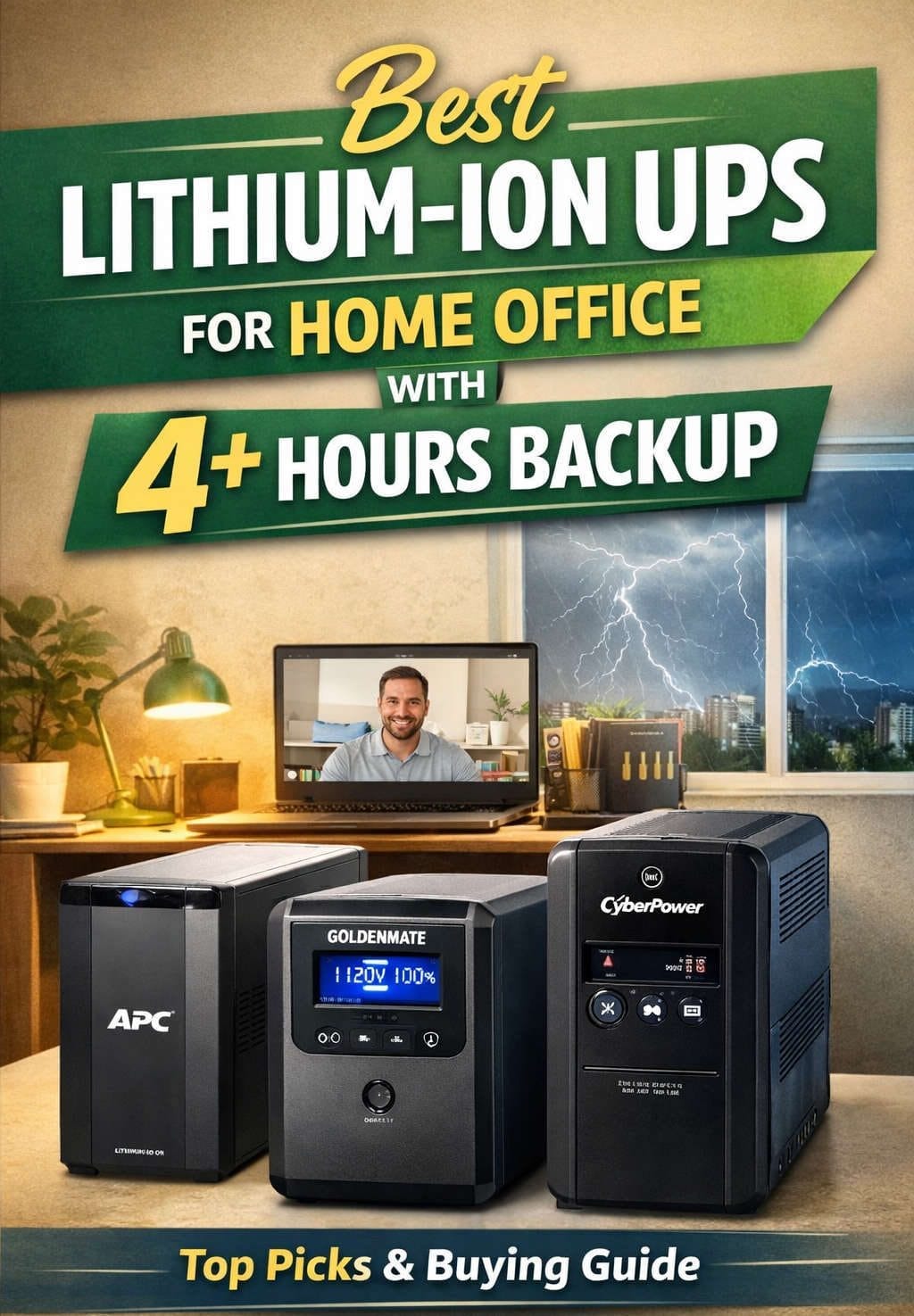
A sudden power cut is more than an annoyance when your home office is where you earn, study, manage projects, or run important equipment. One moment you are working normally; the next, your monitor goes dark, your desktop shuts down, and your router drops offline.
A good uninterruptible power supply (UPS) gives you a safety net. It keeps essential equipment running during a power interruption and gives you valuable time to save your work or shut everything down properly.
In 2026, lithium-ion UPS systems are becoming a particularly attractive option for home offices. They tend to offer longer battery life, faster recovery after an outage, lower maintenance requirements, and a smaller footprint than many traditional lead-acid models.
The catch is that lithium-ion UPS units are usually more expensive to buy, and the selection is more limited. That means choosing one based on your actual setup is more important than simply buying the largest or most expensive model.
This guide looks at the best lithium-ion UPS options for home offices, explains the features that matter, and shows when upgrading from a traditional UPS is genuinely worthwhile.
Why Choose a Lithium-Ion UPS for a Home Office?
The biggest appeal of lithium-ion technology is not that it changes what a UPS does. It is that it can make the UPS easier to live with over the long term.
Traditional UPS systems commonly use sealed lead-acid batteries. These have been around for years and remain perfectly suitable for basic backup needs, but their batteries typically need to be replaced after a few years.
Lithium-ion batteries can last much longer under suitable operating conditions. That means fewer battery replacements and less maintenance over the lifetime of the UPS.
There are practical benefits too. Lithium-ion batteries offer high energy density, which allows manufacturers to pack useful backup capacity into a smaller and lighter enclosure. That can make a real difference in a compact home office, especially when your UPS needs to sit under a desk or inside a small network cabinet.
Recharge time can also be an advantage. If your area experiences several short outages in a day, a battery that recovers quickly between interruptions can be far more useful than one that remains partially depleted for long periods.
The downside is the initial price. A lithium-ion UPS is generally an investment rather than a budget purchase, so it makes the most sense when you expect to keep the unit for many years or when reliable backup is genuinely important to your work.
Best Lithium-Ion UPS for Home Office in 2026
The lithium-ion UPS market is still more focused on professional and business equipment than inexpensive consumer models. As a result, many of the strongest choices are rackmount or enterprise-oriented products.
That is not necessarily a disadvantage. A home office with a powerful workstation, NAS, networking equipment, or a small server can benefit from the same features that make these systems useful in professional environments.
Eaton 5P1500R-L — Best Compact Lithium-Ion UPS for 120V Setups
The Eaton 5P1500R-L is a strong choice for a compact home office where space and long-term reliability both matter.
It is a 1U rackmount UPS with a 1,440VA capacity and 1,100W output. The unit uses a lithium-ion battery and line-interactive technology, making it a sensible middle ground between a basic UPS and a more expensive online system.
Its compact design is one of its biggest strengths. If your home office already has a small rack or network cabinet, it can fit neatly into the setup without taking up much floor space.
The 1,100W output is enough for many professional workstations, monitors, networking devices, and storage equipment, although you should calculate your actual load before buying.
For a home office that needs dependable battery backup without moving into the most expensive UPS category, this is one of the more balanced options.
Eaton 5P1550GR-L — Best Lithium-Ion UPS for 230V Offices
For homes and offices using 220–240V electricity, the Eaton 5P1550GR-L is particularly interesting.
It provides a 1,550VA capacity and 1,100W output while keeping the same compact 1U form factor. It can also be mounted on a wall, which is useful when desk and floor space are limited.
The line-interactive design makes it well suited to ordinary home-office equipment. It can help manage voltage fluctuations without requiring the battery to handle every small change in the incoming power supply.
This model is a particularly good fit for users who want lithium-ion battery technology but do not need the more advanced characteristics of an online double-conversion UPS.
Eaton 9PX1500RT-L — Best Premium Lithium-Ion UPS
If your home office doubles as a serious home lab, studio, or server environment, the Eaton 9PX1500RT-L is in a different class.
This is a 1,500VA UPS with up to 1,350W of output and an online double-conversion design. Instead of simply waiting for utility power to fail before protecting your equipment with battery power, an online UPS continuously manages the incoming electricity and generates clean output for connected devices.
That additional protection comes with greater cost and complexity, so it is not something every home office needs.
The 9PX becomes much more compelling when the UPS is protecting expensive computer hardware, network storage, servers, or equipment that needs consistently conditioned power.
Its support for external battery modules also makes it more flexible if your backup requirements grow later.
Eaton 9PX 1000VA — Best for Smaller Professional Setups
A smaller 9PX model can make more sense when you want premium online UPS technology but do not have a particularly heavy electrical load.
A 1,000VA class system can work well for a workstation combined with networking equipment, storage, and one or two monitors, provided the total power demand remains comfortably within the UPS’s capacity.
This type of UPS is best viewed as a specialist choice. It offers advanced protection, but the higher purchase price may be difficult to justify for a basic office that only needs a few minutes of battery backup.
Lithium-Ion vs Lead-Acid UPS: Which Should You Buy?
This is one of the most important decisions to make before choosing a UPS.
Lead-acid UPS systems continue to be popular because they are affordable, widely available, and well understood. If you only need basic battery backup for a desktop and router, a conventional model can still be a perfectly reasonable purchase.
Lithium-ion becomes more appealing when long-term ownership matters.
Imagine buying a UPS and using it for eight or ten years. With a traditional lead-acid model, you may need to replace the battery during that period, perhaps more than once depending on usage and conditions.
A lithium-ion model costs more upfront but can reduce the amount of battery maintenance needed over the same period.
There is also the matter of size and weight. Lithium-ion systems can deliver more stored energy without requiring the same amount of physical space, which is particularly useful in compact offices.
So the decision is not simply about which battery technology is “better.” It is about what matters most to you.
Choose lead-acid when keeping the initial purchase cost low is the priority. Choose lithium-ion when you value longevity, lower maintenance, compact design, and long-term ownership.
How to Choose the Right Lithium-Ion UPS Capacity
A common mistake is to choose a UPS based only on its VA number.
The more useful starting point is your actual power consumption.
A powerful desktop might have a 750W or 1,000W power supply, but that does not mean it constantly draws that much electricity. Your real-world load may be considerably lower during normal office work.
Add up the equipment you actually intend to keep running. Include your computer, monitors, router, modem or ONT, network switch, NAS, and other essential devices.
Then leave some headroom.
Running a UPS close to its maximum output all the time leaves little flexibility and may dramatically reduce runtime during an outage. A little spare capacity also gives you room to add another monitor, storage device, or networking component later.
Think About Wattage Before VA
UPS manufacturers often advertise capacity in VA, but the watt rating tells you how much real electrical power the unit can deliver.
Two UPS units with similar VA ratings can have different watt capacities. When comparing models, look at both figures rather than using VA alone.
For a home office, wattage should be one of your first filters when narrowing down the choices.
How Much Battery Runtime Does a Home Office Need?
More runtime sounds better, but you do not necessarily need a UPS that keeps everything running for hours.
For most home offices, the practical goal is simple: survive a short outage, save your work, and shut down safely if the power does not return.
Runtime changes dramatically depending on the load. A UPS that can power a router and monitor for a long period might provide only a few minutes when a high-performance desktop is running at heavy load.
That is why published runtime figures should always be treated as examples rather than guarantees. Your actual runtime depends on how much power your equipment consumes at that moment.
If you regularly deal with long outages, look for a UPS that supports external battery expansion. That is usually a more sensible approach than buying an oversized UPS purely to gain additional runtime.
Do You Need a True Sine-Wave UPS?
For modern desktop computers, true sine-wave output is a useful feature to prioritize.
Many recent PC power supplies use active power-factor correction. A true sine-wave UPS provides an output waveform that more closely matches utility power and is generally the safer choice for systems with sensitive or high-performance power supplies.
For a basic router or low-power office setup, you may not notice a major difference.
For a gaming PC, workstation, NAS, or other expensive equipment, true sine-wave output is a sensible part of the specification to look for.
Line-Interactive vs Online UPS for Home Offices
UPS topology can sound complicated, but the difference is easier to understand than it first appears.
Line-Interactive UPS
A line-interactive UPS is usually the most practical choice for an ordinary home office.
It can regulate moderate voltage changes without constantly running from the battery. When the power actually fails, it switches to battery backup.
This design provides a good balance between protection, efficiency, price, and battery life.
The Eaton 5P lithium-ion models fall into this category and are well suited to many home-office situations.
Online Double-Conversion UPS
An online UPS takes power protection further.
It continuously converts incoming electrical power and produces a controlled output for your equipment. This provides stronger protection against poor-quality utility power and voltage irregularities.
The trade-off is higher cost, greater complexity, and usually higher energy consumption.
For a standard work-from-home setup, online technology is often unnecessary. For a home server, NAS, high-end workstation, or sensitive equipment, it can be worthwhile.
Common Lithium-Ion UPS Problems and How to Fix Them
Even the best UPS can appear unreliable when it is incorrectly sized or connected. Before assuming the hardware has failed, check the simple things first.
UPS Runtime Is Much Shorter Than Expected
Start by checking the equipment connected to the battery-backed outlets.
A UPS running a desktop computer at full load will drain its battery much faster than the same UPS running a router and monitor.
Disconnect anything that does not actually need battery support, such as a printer or secondary accessories. This works because reducing the electrical load directly reduces the rate at which the battery is being discharged.
Also check whether your desktop is performing a demanding task during the outage. Gaming, video rendering, large file transfers, and CPU-intensive work can dramatically increase power consumption.
UPS Shows an Overload Warning
An overload alarm usually means the connected equipment is asking for more power than the UPS can safely provide.
Remove nonessential devices one by one until the warning disappears. Doing this methodically helps identify whether one particular device is drawing excessive power or whether the combined load is simply too high.
If the warning continues with only essential equipment attached, compare the estimated load with the UPS’s maximum watt rating. A larger-capacity model may be necessary.
Battery Appears to Drain Too Quickly
If runtime has gradually become shorter over time, battery condition may be the reason.
Battery performance can decline because of age, heat, repeated deep discharges, or simply long-term use.
Check the UPS monitoring software or display for battery health information. Make sure the unit is well ventilated and operating in a reasonable temperature range.
One advantage of lithium-ion systems is that their battery-management electronics can monitor battery conditions and help manage charging and temperature.
UPS Keeps Beeping
An occasional alarm during a power failure is normal, but frequent warning tones while utility power is available should not be ignored.
Check the display or monitoring software for information about overload, voltage fluctuations, battery status, or another fault condition.
Silencing the alarm without checking its cause is not a real fix. The warning may be telling you about a condition that could affect backup performance when you actually need it.
UPS Does Not Recognize Connected Equipment
If a device appears not to be protected, first make sure it is connected to a battery-backed outlet rather than a surge-only outlet.
This mistake is surprisingly easy to make, especially on models that have several outlet groups.
Then verify that the UPS itself is operating normally and that the equipment is within its capacity. A properly connected device should be covered by the UPS unless its power requirements exceed what the system can support.
Where Should You Place a Lithium-Ion UPS?
A UPS should have enough airflow around it to prevent unnecessary heat buildup.
Avoid placing it inside a tightly enclosed cabinet, next to a radiator, in direct sunlight, or beneath equipment that generates significant heat.
Heat is particularly important because excessive temperatures can accelerate battery aging.
Rackmount lithium-ion UPS models are convenient for a network cabinet or home lab, but they are not always the best physical match for a simple desk-based office. Think about where the UPS will live before buying a rack-oriented model.
Should Your Router and Modem Be Connected to the UPS?
For remote workers, protecting network equipment can be extremely useful.
A UPS can keep your router, modem, or ONT online during a brief power interruption. This means your internet connection may continue working while your laptop uses its internal battery.
That can be more valuable than using precious UPS capacity on equipment that can simply be turned off.
For example, a desktop monitor may not need to remain powered once you have saved your work, but a router can continue providing connectivity without requiring much power.
When Should You Replace an Existing UPS?
Replacing an older UPS is not automatically necessary just because a newer lithium-ion model exists.
If your current UPS still provides adequate runtime, remains within its recommended service life, and protects your equipment reliably, keeping it may be the more sensible financial decision.
An upgrade becomes easier to justify when the battery requires frequent replacement, the available capacity is no longer sufficient, the unit takes up too much space, or your power-protection requirements have changed.
A move to lithium-ion can also make sense if you are tired of recurring battery maintenance and expect to use your UPS for many years.
Similarly, moving from line-interactive to online double-conversion protection is worthwhile when your equipment has become more expensive or your electrical supply is particularly unstable.
In other words, upgrade because your needs have changed—not simply because a newer specification exists.
Best Lithium-Ion UPS by Home Office Use Case
Best Overall for a Compact Professional Setup
The Eaton 5P1500R-L is a strong fit for users who want lithium-ion technology, sine-wave output, and a compact rackmount design without moving all the way into a premium online UPS.
Best for 220–240V Home Offices
The Eaton 5P1550GR-L is a practical choice for regions using higher household voltages. Its compact form factor makes it suitable for network cabinets, workspaces, and small home labs.
Best for Power Users and Home Labs
The Eaton 9PX1500RT-L is better suited to demanding environments where power quality is just as important as battery backup.
Best for Smaller Loads With Premium Protection
A lower-capacity 9PX model can make sense when your equipment does not draw a huge amount of power but you still want online UPS technology.
Final Verdict: Is a Lithium-Ion UPS Worth It in 2026?
For a basic home office, a lithium-ion UPS is not automatically the best choice. A conventional lead-acid UPS can still provide dependable short-term backup at a lower purchase price.
The case for lithium-ion becomes much stronger when you work from home regularly, depend on a desktop workstation, run network storage or a home server, experience frequent power interruptions, or plan to keep the UPS for many years.
The Eaton 5P lithium-ion range is a sensible place to start for many professional home offices. It offers a useful balance of battery longevity, compact design, and practical power protection.
For more demanding setups, the Eaton 9PX range brings online double-conversion technology and a more advanced feature set. It is better suited to users who need stronger conditioning and more sophisticated backup capabilities.
Before buying, calculate your real power load, check the voltage and outlet requirements, decide how much runtime you actually need, and leave enough capacity for future upgrades.
The right UPS is not the one with the biggest number on the box. It is the one that quietly keeps your most important equipment running when the lights go out—and gives you enough time to stay in control.