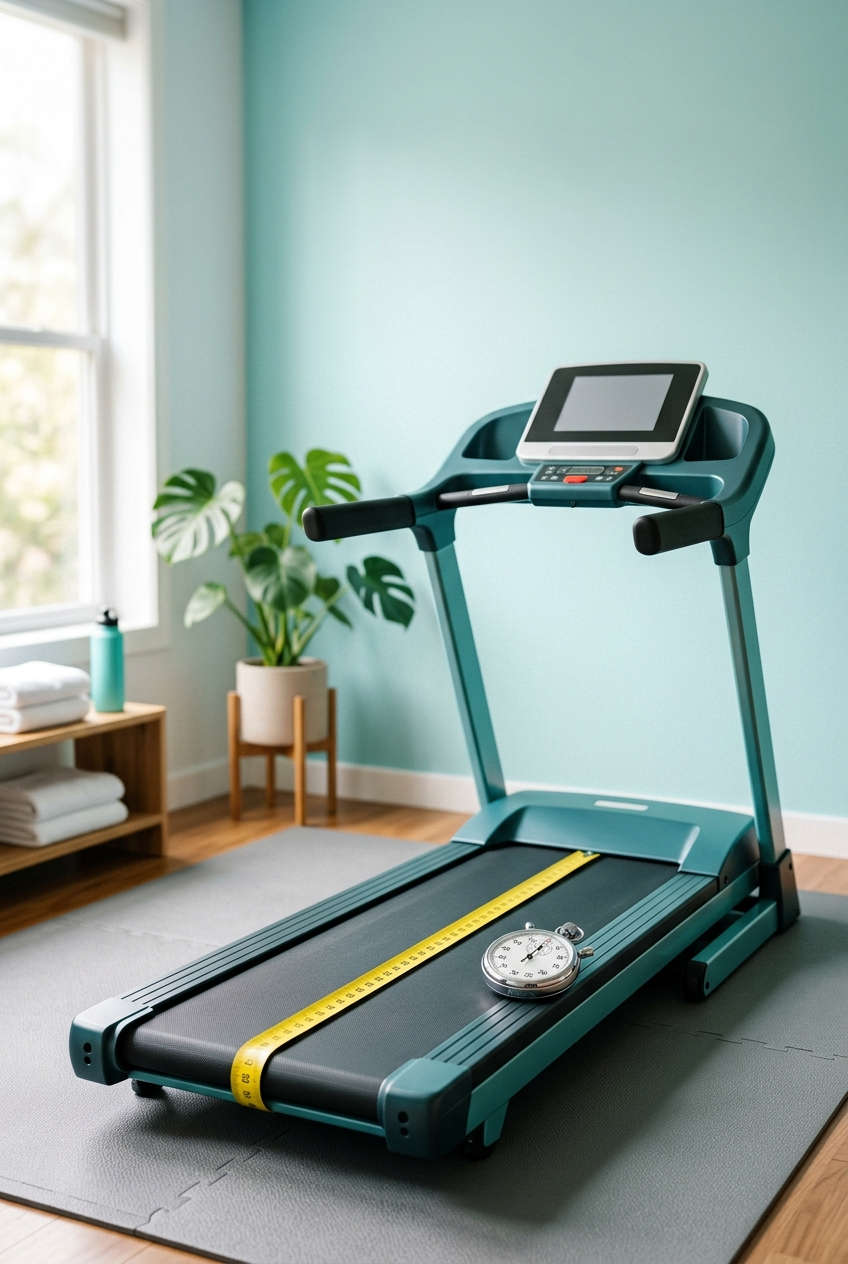
If your treadmill says you ran 5 km but your legs and your watch disagree, trust your legs. Most treadmills drift a little over time, and learning how to calibrate a treadmill is the fastest way to get honest distance, pace and calorie numbers back.
The good news: you don’t need special tools or a technician. A tape measure, a stopwatch and about 20 minutes will tell you exactly how far off your machine is and what to do about it. This guide walks through the whole process, from the first measurement to the final fix.
Why Your Treadmill’s Distance Reading Is Probably Off
A treadmill doesn’t actually measure how far you’ve gone. It counts how many times the motor or front roller turns, multiplies that by a belt length stored in its software, and shows you the answer. If the belt length, the sensor or the speed is slightly wrong, every workout inherits the same percentage error.
Here’s what usually causes it:
- A stretched or slipping belt. Belts lengthen with use, and a loose one slips under your weight.
- A worn drive belt. This is the smaller belt linking the motor to the roller.
- Sensor drift. Speed sensors can lose accuracy after years of vibration, dust or a house move.
- Factory tolerance. Even a brand-new machine can be a couple of percent out.
An error of 3 to 5 percent is common. On a 10 km run that’s 300 to 500 metres of distance you never covered, which is enough to throw off your pace targets, your race-time predictions and your calorie count.
What You Need Before You Start
Grab these items first and the whole test goes smoothly:
- A tape measure, at least 3 metres long
- Masking tape or a bright marker
- A stopwatch (your phone works fine)
- A notepad or notes app
- Your owner’s manual, if you can find it, for the calibration menu
One thing to fix before testing: make sure the belt is centred and properly tensioned. Run the empty treadmill at a slow speed for a couple of minutes. If the belt creeps toward one side or hesitates, adjust the tracking and tension first. Calibrating on top of a misaligned belt just bakes the problem in.
How to Calibrate Your Treadmill, Step by Step
This is the belt-count method. You work out how long the belt really is, run it for a set number of laps, and compare the true distance with what the console reports.
Step 1: Measure the belt loop
Turn the machine off. Measure the top of the belt from the front roller to the rear roller, then double that number. Add roughly 15 to 25 cm for the curve around the two rollers. Write the total down in metres. A typical home treadmill lands somewhere around 3 metres.
Step 2: Mark the belt
Stick a strip of masking tape across the edge of the belt. Line it up with a fixed point on the frame, such as a bolt on the side rail, so you can tell when one full lap is done.
Step 3: Reset and run
Clear the trip distance on the console. Start the treadmill at a steady 8 km/h with no incline, and count every time the tape passes your reference point. Stop after 50 laps.
Step 4: Compare the numbers
Multiply your belt length by 50 to get the real distance, then read the console distance and work out the error:
Error (%) = (console distance − real distance) ÷ real distance × 100
For example, suppose your belt loop is 3.2 m. Fifty laps is 160 m. If the console says 168 m, it’s overreading by 5 percent.
Step 5: Repeat once
Run the test a second time and average the two results. Miscounting a lap or two is easy, and a repeat smooths that out.
Check Your Treadmill’s Speed and Incline Too
Distance is just speed multiplied by time, so a speed error always turns into a distance error. The belt-count test catches both at once, but a separate speed check shows you where the trouble sits.
How to test speed accuracy
Set the console to a steady speed and time ten full belt laps with your stopwatch. Multiply your belt length by ten, divide by the seconds, and you have metres per second. Multiply that by 3.6 to get km/h.
Example: ten laps of a 3.2 m belt is 32 m. If that takes 12 seconds, your real speed is about 9.6 km/h. If the console claimed 10 km/h, it’s running about 4 percent fast.
A gap above 3 percent usually points to a worn drive belt or a sensor that needs cleaning.
How to test incline accuracy
Incline doesn’t change how far the belt travels. It does feed the calorie and elevation numbers many consoles show. To check it, set the deck to its highest and lowest settings and rest a phone with a level app on the belt. If the reading is more than a percentage point away from the console, treat the calorie estimate with caution.
How Big an Error Is Too Big?
Not every difference needs fixing. Use this table to decide what to do with your result.
| Error you measured | What it means | What to do |
|---|---|---|
| Under 2% | Normal for most machines | Leave it alone |
| 2% to 5% | Noticeable over longer runs | Use a correction factor or the console calibration menu |
| Over 5% | Often a mechanical problem | Inspect the belt, drive belt and speed sensor |
| Changes from test to test | Slipping belt or loose parts | Repair first, then retest |
Three Ways to Fix Inaccurate Distance
Option 1: Use a correction factor
This is the simplest route and works on any treadmill. Divide the real distance by the console distance. In the earlier example, 160 ÷ 168 gives 0.952. Multiply any console reading by 0.952 to get your true distance. Stick a small label with the factor on the console so you don’t forget it.
Option 2: Use the console calibration mode
Many treadmills, especially commercial and mid-range home models, hide a calibration or service menu. You may reach it through a settings screen or by holding certain keys while you power the machine on. Look for options named belt length, distance calibration or speed calibration, then enter the belt length you measured or nudge the speed value until it matches your stopwatch result. Key combinations vary a lot by brand, so check the manual or the manufacturer’s support page instead of guessing.
Option 3: Repair the cause
If the error is large or inconsistent, the problem is physical. Tighten or replace a stretched belt, replace a slipping drive belt, and clean or realign the speed sensor. Then run the whole test again. If the treadmill is still under warranty, contact the manufacturer before opening anything up.
How to Use Your Correction Factor in Real Workouts
If you can’t change the console settings, the factor still earns its keep. Say your treadmill overreads by 5 percent (a factor of 0.952):
- To cover 10 km for real, run until the console shows about 10.5 km.
- For a true pace, remember that a console speed of 10 km/h is really about 9.5 km/h, which works out to roughly 6:18 per km instead of 6:00.
- For logging, multiply the console distance by the factor before you enter it in your training app.
How to Keep Your Calibration Accurate
A good calibration only lasts while the machine stays in good shape. A bit of routine care protects it:
- Lubricate the deck as the manual describes. A dry deck makes the belt drag and slip.
- Check belt tension and tracking every month or two, and after every move.
- Vacuum around and under the machine so dust doesn’t clog the speed sensor.
- Retest about every six months, and after any belt replacement or repair.
- Use the same test each time so results are easy to compare and slow drift shows up early.
Treadmill Calibration FAQ
Why do my results change every time I test?
Inconsistent numbers usually mean the belt is slipping or the drive belt is loose. Sort out the mechanics before you trust any correction factor.
What if my treadmill underreads instead of overreads?
That’s just as common and just as fixable. Use the same formula. Your correction factor will simply come out above 1 instead of below it.
Does my body weight affect the test?
It can. On a worn or loose belt, a heavier runner causes more slip. If you suspect this, run the test with your normal weight on the belt instead of empty.
Is my watch or foot pod more accurate than the treadmill?
Not automatically. Watches and foot pods need calibrating too. A measured track or a known outdoor course is the best reference for checking all three devices.
Is a small error worth fixing?
Under 2 percent, most runners can ignore it. Past 3 percent, it’s worth correcting if you follow pace targets or train for races.
How often should I calibrate my treadmill?
Once or twice a year is plenty for home use, plus after any repair, belt change or relocation.
Final Thoughts
Learning how to calibrate a treadmill comes down to one measurement and a bit of arithmetic. Measure the belt, run 50 laps, compare the real distance with the console, then apply a correction factor or adjust the settings. Repeat the check twice a year and your distance, pace and calorie numbers will finally match the work you actually put in.
You might also like,