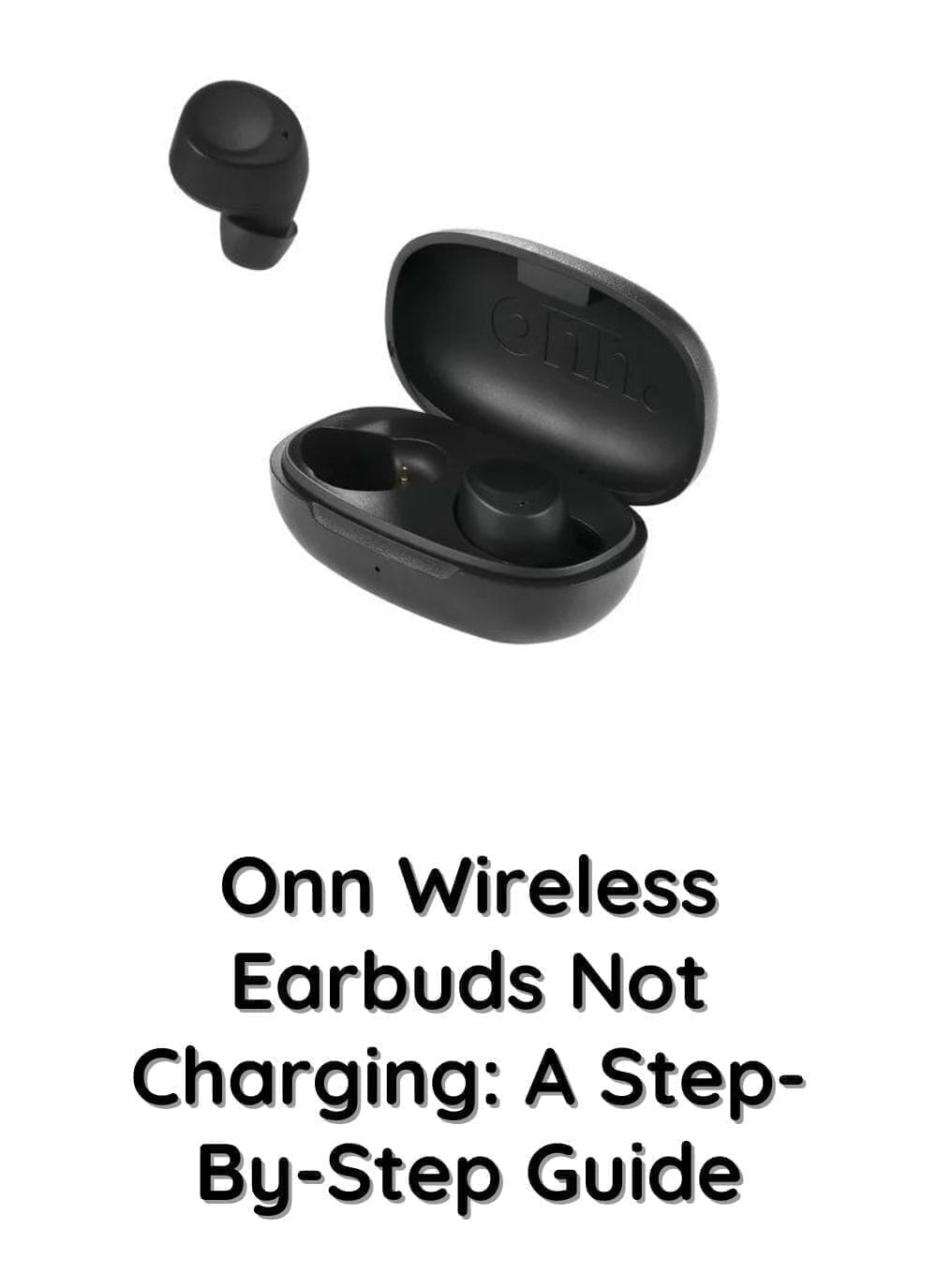
There’s never a convenient time for your wireless earbuds to stop charging. Whether you’re about to join a video call, head to the gym, or enjoy your favorite playlist, discovering that your Onn wireless earbuds have a dead battery can be frustrating.
Fortunately, charging problems aren’t always a sign that your earbuds are permanently damaged. In many cases, the issue comes down to something simple, such as dirty charging contacts, a drained charging case, or a faulty charging cable. A few minutes of troubleshooting is often enough to get everything working again.
This guide explains the most common reasons why Onn wireless earbuds won’t charge and walks you through practical solutions that can help restore normal charging. We’ll also cover what to do if only one earbud is charging, how to tell if the charging case is the problem, and when it may be time to consider a replacement.
Why Are Your Onn Wireless Earbuds Not Charging?
Before trying different fixes, it’s helpful to understand what might be preventing your earbuds from charging properly.
Wireless earbuds rely on several components working together. The charging cable powers the case, the case transfers power through its charging pins, and the earbuds receive that power through metal contact points. If any part of this process is interrupted, charging can fail completely or become unreliable.
Some of the most common causes include:
- Dirt or earwax blocking the charging contacts
- A charging case with a depleted battery
- A damaged USB cable or power adapter
- Earbuds that aren’t seated correctly inside the case
- Bent or stuck charging pins
- Software glitches affecting charging behavior
- Battery wear after extended use
- Physical or water damage
Knowing where the charging process is breaking down makes troubleshooting much easier.
Check the Charging Cable and Power Source First
One of the simplest explanations is also one of the most common: the charging accessories themselves aren’t working.
Charging cables can develop internal damage over time, even if the outer insulation looks perfectly fine. Likewise, wall adapters occasionally fail or provide inconsistent power.
Try connecting your charging case with a different USB cable and plug it into another wall adapter or USB port. If possible, use a reliable charger that delivers standard 5V USB power. Avoid charging through devices like televisions or keyboards, as these ports sometimes provide insufficient current.
If your earbuds begin charging after switching cables or adapters, you’ve identified the problem without needing any further troubleshooting.
Make Sure the Charging Case Has Enough Battery
The charging case functions as a portable battery. Even if your earbuds are in perfect condition, they cannot recharge if the case itself has no remaining power.
Connect the charging case to a charger and allow it to charge uninterrupted for at least an hour. Watch for indicator lights during this process. Depending on your Onn model, flashing or solid LEDs usually indicate that the case is receiving power.
If the case doesn’t display any charging lights after trying multiple cables and chargers, the issue may lie with the charging port or the battery inside the case rather than the earbuds.
Clean the Charging Contacts Thoroughly
One of the most overlooked causes of charging issues is dirt.
Earbuds spend hours inside your ears, making them prone to collecting earwax, skin oils, lint, and dust. Over time, these contaminants build up on the metal charging contacts and prevent a proper electrical connection.
Begin by removing both earbuds from the charging case. Carefully inspect the gold-colored contact points on both the earbuds and inside the case. If you notice dirt or residue, gently clean the surfaces with a dry microfiber cloth or a soft cotton swab.
For stubborn buildup, use a soft brush to loosen debris without scratching the contacts. Avoid pouring liquids directly into the charging case, and never use sharp metal tools that could damage the charging pins.
After cleaning, place the earbuds back into the case and check whether the charging indicators illuminate.
Ensure the Earbuds Are Seated Correctly
Wireless earbuds only charge when their charging contacts align perfectly with the pins inside the case.
Sometimes the earbuds appear to be in place even though they aren’t making proper contact. This can happen if debris blocks the magnets, if the earbuds are inserted incorrectly, or if they shift slightly after closing the lid.
Remove each earbud and place it back into its designated slot. You should feel the magnets gently pull the earbuds into position. Once seated correctly, the charging LEDs should activate almost immediately.
If one earbud consistently fails to charge while the other works normally, compare how each earbud sits inside the charging case. Even a slight misalignment can interrupt charging.
Inspect the Charging Pins Inside the Case
The small spring-loaded pins inside the charging case are responsible for transferring power to the earbuds.
Over time, these pins can become stuck due to accumulated dirt or physical wear. A bent or collapsed charging pin won’t reach the earbud’s charging contact, preventing it from charging.
Use a flashlight to inspect the pins carefully. They should appear clean, evenly aligned, and spring back gently when lightly pressed with a non-metallic object.
If you notice corrosion, broken pins, or pins that no longer move, the charging case may require replacement since these components are difficult to repair.
Allow Deeply Discharged Batteries Time to Recover
Lithium-ion batteries sometimes enter a deeply discharged state after sitting unused for weeks or after being completely drained.
When this happens, the earbuds or charging case may not respond immediately after being plugged in. It can appear as though they are completely dead even though the battery is slowly recovering.
Leave the charging case connected to power for at least one to two hours without unplugging it. Resist the temptation to repeatedly disconnect and reconnect the charger, as this may interrupt the recovery process.
If the charging indicators eventually appear, the battery likely required extra time to regain a safe operating voltage.
Reset Your Onn Wireless Earbuds
Software issues can occasionally interfere with charging recognition or battery reporting.
Resetting your earbuds clears temporary glitches and restores their default settings, which may resolve charging-related problems.
While reset procedures vary slightly depending on the Onn model, the general process involves placing both earbuds inside the charging case and holding the pairing or reset button for several seconds until the indicator lights flash.
After completing the reset, reconnect the earbuds to your phone or tablet and test charging again.
If your model doesn’t include a reset button, consult the user manual for the appropriate reset method.
Try Another Power Adapter
Not every USB charger delivers power consistently.
Fast chargers designed for smartphones sometimes negotiate different charging voltages, while older USB adapters may produce unstable output.
Testing another wall adapter eliminates this possibility quickly. A standard USB charger from a reputable manufacturer is usually the safest choice for charging wireless earbuds.
If changing the adapter solves the issue, the original charger may not have been supplying reliable power.
Look for Signs of Physical or Water Damage
If none of the previous solutions work, carefully inspect both the earbuds and charging case for visible damage.
Cracks, dents, loose charging ports, or corrosion can all interfere with normal charging. Moisture exposure is another common cause, particularly if the earbuds have been used during workouts or accidentally exposed to rain.
Even if the exterior looks fine, internal components may have been damaged by drops or liquid intrusion.
Unfortunately, hardware damage typically cannot be resolved through troubleshooting alone and often requires replacement.
Why Is Only One Onn Earbud Charging?
It’s fairly common for users to find that one earbud charges normally while the other remains completely dead.
In many cases, the problem is limited to the charging connection rather than the earbud itself.
Start by cleaning both charging contacts thoroughly and ensuring the affected earbud sits securely inside the charging case. Compare both charging pins to make sure they’re equally extended and free of debris.
If only the same earbud refuses to charge after cleaning and repositioning, its internal battery may be deteriorating or the charging circuitry may have failed.
Testing with another compatible charging case, if available, can help determine whether the problem lies with the earbud or the original case.
What If the Charging Case Isn’t Charging?
Sometimes the earbuds aren’t the issue at all.
If the charging case refuses to accept power, inspect the USB port for dust, lint, or damage. A clogged charging port can prevent the charging cable from connecting fully.
Testing multiple charging cables and wall adapters helps eliminate accessory-related problems. If the charging indicators never illuminate despite using known-working equipment, the internal battery or charging board may have failed.
Since replacement batteries for charging cases are generally not user-serviceable, replacing the charging case is often the most practical solution.
Tips to Prevent Future Charging Problems
Good charging habits can significantly extend the lifespan of both your earbuds and their charging case.
Cleaning the charging contacts every few weeks helps prevent dirt from interrupting the electrical connection. Storing the earbuds inside their charging case when they’re not in use protects the contacts from dust while keeping the batteries topped up.
It’s also worth avoiding complete battery drain whenever possible. Lithium-ion batteries generally last longer when they’re recharged before reaching 0%. Likewise, keeping your earbuds away from excessive heat, humidity, and water reduces the risk of long-term battery and charging issues.
Using high-quality charging cables and reliable USB power adapters can also help maintain consistent charging performance over time.
When Should You Replace Your Onn Wireless Earbuds?
After exhausting all troubleshooting steps, there comes a point where replacement may be the most sensible option.
If the earbuds have suffered significant physical damage, experienced water exposure, or no longer respond after trying multiple chargers, resets, and cleaning, the internal hardware has likely failed.
Battery health is another important consideration. Like all lithium-ion devices, wireless earbuds gradually lose capacity after hundreds of charging cycles. If your earbuds charge inconsistently, discharge extremely quickly, or refuse to hold a charge altogether, aging batteries may be the underlying cause.
If your earbuds are still covered by the manufacturer’s warranty, it’s worth contacting customer support before purchasing new ones. Otherwise, replacing the earbuds—or, in some cases, just the charging case—may restore reliable performance without unnecessary expense.
Rather than upgrading immediately, consider how old your current earbuds are, whether replacement parts are available, and whether the cost of repair approaches the price of a new pair. For newer earbuds with isolated charging-case issues, replacing the case alone may be enough. For older earbuds with declining battery life and multiple hardware problems, investing in a new set is often the more practical long-term solution.
Final Thoughts
When your Onn wireless earbuds aren’t charging, the cause is often far less serious than it first appears. Issues like dirty charging contacts, a depleted charging case, faulty charging accessories, or poor alignment inside the case are responsible for many charging problems and can usually be resolved in just a few minutes.
Work through each troubleshooting step methodically, starting with the simplest fixes before assuming there’s a hardware failure. Cleaning the charging contacts, testing a different cable and power adapter, allowing deeply discharged batteries time to recover, and resetting the earbuds are all effective solutions that frequently restore normal operation.
If none of these methods solve the problem and your earbuds show signs of battery degradation or physical damage, replacing the affected component may be the most reliable option. With the right care and regular maintenance, however, most Onn wireless earbuds can continue providing dependable performance for years.