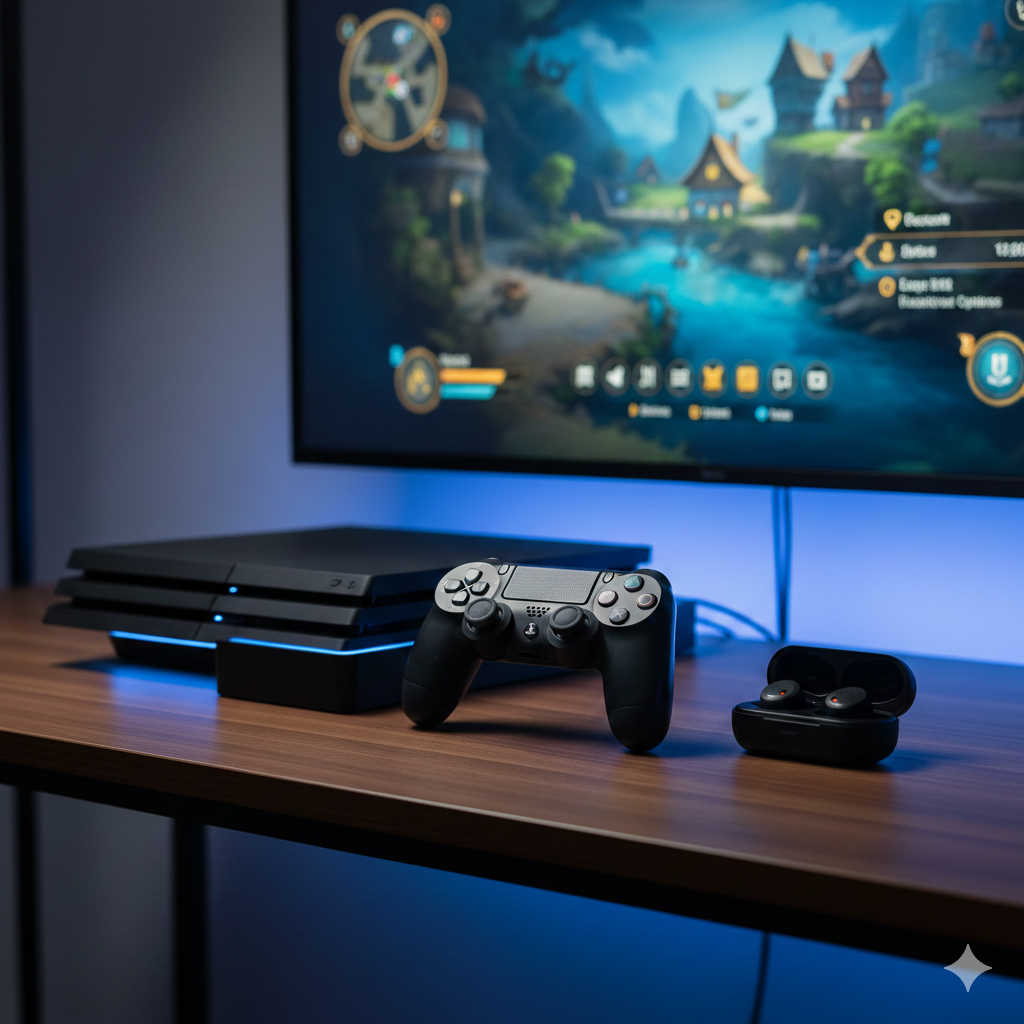
If you already own a pair of Sony earbuds and want to use them with your PlayStation 4, you’re not alone. Many gamers prefer lightweight earbuds over bulky gaming headsets. They’re portable, comfortable, and often deliver impressive sound quality — especially premium Sony models.
But here’s the honest answer:
Yes, Sony earbuds can work with PS4 — but not always in the way you expect.
In this detailed guide, you’ll learn:
- Whether Sony earbuds work wirelessly with PS4
- How to connect wired Sony earbuds
- How to use Bluetooth earbuds with a workaround
- Audio limitations you should know about
- The best Sony earbud options for PS4 gaming
- Troubleshooting tips for common issues
Let’s break everything down clearly and practically.
Understanding How PS4 Handles Audio
Before trying to connect any earbuds, it helps to understand how the PS4 outputs sound.
The PS4 sends audio through:
- HDMI (to your TV or monitor)
- Optical audio output (on older PS4 models)
- 3.5mm headphone jack on the DualShock 4 controller
What surprises many people is that the PS4 does not fully support standard Bluetooth audio devices. Even though the console has Bluetooth, it is mainly designed for controllers and specific input devices — not generic wireless earbuds.
This is the key reason why most Sony Bluetooth earbuds won’t connect directly to PS4.
Do Sony Wireless Earbuds Work Directly With PS4?
Short answer: No, not directly.
Most Sony wireless earbuds — including popular models like:
- Sony WF-1000XM5
- Sony WF-1000XM4
- Sony WF-1000XM3
- Sony WF-C700N
- Sony WF-C500
- Sony LinkBuds
cannot pair directly through the PS4 Bluetooth settings.
If you go to:
Settings → Devices → Bluetooth Devices
You’ll usually find that:
- The earbuds don’t appear at all
- Or they fail to connect
This happens because PS4 does not support the Bluetooth audio profiles used by standard wireless earbuds.
But don’t worry — there are reliable workarounds.
The Easiest Solution: Use Wired Sony Earbuds
If your Sony earbuds have a 3.5mm headphone plug, you’re in luck.
The DualShock 4 controller includes a built-in 3.5mm audio jack. This makes wired earbuds the simplest and most reliable option.
How to Connect Wired Sony Earbuds to PS4
- Turn on your PS4
- Plug your earbuds into the controller’s headphone jack
- Go to Settings → Devices → Audio Devices
- Set:
- Output Device → Headset Connected to Controller
- Output to Headphones → All Audio
That’s it. No adapters required.
What Works in This Setup?
✔ Game audio
✔ Party chat
✔ In-game voice chat (if earbuds include a mic)
✔ Zero audio delay
Important Note About Microphones
Some Sony wired earbuds include inline microphones (models ending with “AP” often do). If your earbuds don’t have a mic, you’ll hear audio but won’t be able to speak in chat.
If you play multiplayer games regularly, make sure your earbuds have a built-in mic.
Can You Use Sony Wireless Earbuds With PS4?
Yes — but only with additional hardware.
Because PS4 doesn’t support standard Bluetooth audio devices, you’ll need a Bluetooth audio transmitter.
What Is a Bluetooth Transmitter?
A Bluetooth transmitter is a small device that:
- Plugs into the PS4’s USB port
- Or plugs into the controller’s 3.5mm jack
- Sends audio wirelessly to your earbuds
It acts as a bridge between the console and your Sony earbuds.
How to Use a Bluetooth Adapter With PS4
Here’s the typical setup process:
- Plug the Bluetooth transmitter into the PS4 USB port (or controller jack).
- Put your Sony earbuds into pairing mode.
- Pair them with the transmitter (not the PS4).
- Set PS4 audio output to the correct device if required.
Once connected, game audio will stream wirelessly to your earbuds.
Important Limitations of Using Wireless Earbuds on PS4
Before choosing this route, understand the trade-offs.
1. Possible Audio Lag
Bluetooth audio may introduce slight delay.
In fast-paced games like shooters, even small lag can affect timing.
Look for transmitters that support low-latency audio codecs, though results vary.
2. Microphone May Not Work
Most Bluetooth transmitters only send audio to your earbuds — not from the microphone back to the console.
This means:
- You may hear the game
- But your mic won’t function for chat
If voice communication is important, wired is still the better choice.
Alternative Method: Use Your TV as the Audio Middleman
Another option is routing audio through your television.
If your TV supports:
- Bluetooth audio output
- A 3.5mm headphone jack
- Optical audio output
You can connect your earbuds there instead of directly to the PS4.
How This Works
PS4 → HDMI → TV → Earbuds
This method can work well for single-player gaming.
However, similar limitations apply:
- Possible lag
- Chat microphone often won’t work
Best Sony Earbuds for PS4 Gaming
Not all Sony earbuds are equally suited for PS4 use. Here’s how different types perform.
Premium Wireless Option: Sony WF-1000XM5
These are Sony’s flagship noise-canceling earbuds.
They offer:
- Excellent sound clarity
- Strong bass response
- Effective noise cancellation
- Comfortable fit
For PS4:
- Requires Bluetooth transmitter
- Audio quality is impressive
- Mic likely won’t function through adapter
Best for players focused on immersive single-player experiences.
Balanced Wireless Option: Sony WF-1000XM4
Still highly respected for audio quality and noise cancellation.
Pros:
- Rich, detailed sound
- Strong battery life
- Comfortable secure fit
Same PS4 limitations apply as XM5:
- Adapter required
- Possible latency
- Limited chat support
Budget Wireless Option: Sony WF-C500 or WF-C700N
These are affordable and lightweight.
They:
- Deliver solid sound for the price
- Are easy to carry
- Have simple controls
But again:
- Require Bluetooth adapter
- May not support voice chat
Best Overall for PS4 Simplicity: Wired Sony Earbuds
If your priority is:
- Zero delay
- Full chat support
- Plug-and-play convenience
Wired Sony earbuds remain the most practical solution.
They’re inexpensive, reliable, and fully compatible with the controller’s audio jack.
PS4 Audio Settings You Should Adjust
After connecting earbuds (wired or wireless adapter), check these settings:
Go to:
Settings → Devices → Audio Devices
Adjust:
- Input Device
- Output Device
- Output to Headphones → All Audio
- Volume Control (Headphones)
If chat audio is missing, double-check that “All Audio” is selected.
Common Problems and How to Fix Them
Earbuds Connected But No Sound
- Ensure output device is set correctly
- Confirm earbuds are fully inserted
- Increase headphone volume in settings
Microphone Not Working
- Verify earbuds include inline mic
- Check input device settings
- Adjust mic level
Audio Delay During Gameplay
- Switch to wired connection
- Try a low-latency Bluetooth transmitter
- Avoid connecting through older TVs
Should You Buy Sony Earbuds Specifically for PS4?
If you’re buying earbuds only for PS4 gaming, a dedicated gaming headset may provide better value — especially for competitive multiplayer gaming.
However, Sony earbuds make sense if:
- You already own them
- You want a multi-purpose device
- You prefer lightweight in-ear comfort
- You mainly play single-player games
For serious online multiplayer players, a USB wireless gaming headset often offers better microphone quality and zero-lag audio.
Quick Comparison: Best Connection Method
| Method | Ease of Setup | Audio Delay | Chat Support | Recommendation |
|---|---|---|---|---|
| Wired via Controller | Very Easy | None | Yes | Best Overall |
| Bluetooth Adapter | Moderate | Possible | Limited | Good for casual use |
| TV Bluetooth | Moderate | Possible | Usually No | Single-player only |
| Direct PS4 Bluetooth | Not Supported | — | — | Not Recommended |
Final Verdict: Do Sony Earbuds Work With PS4?
Yes — but with conditions.
- Wired Sony earbuds work perfectly through the PS4 controller.
- Wireless Sony earbuds require a Bluetooth transmitter.
- Direct Bluetooth pairing with PS4 is not supported.
If you want the simplest and most reliable setup, go wired.
If you prefer wireless convenience and can tolerate minor limitations, use a high-quality Bluetooth transmitter.
Ultimately, your ideal setup depends on whether you prioritize:
- Competitive performance
- Convenience
- Audio quality
- Voice chat functionality
Now you know exactly how Sony earbuds interact with PS4 — and which setup will work best for your gaming style.