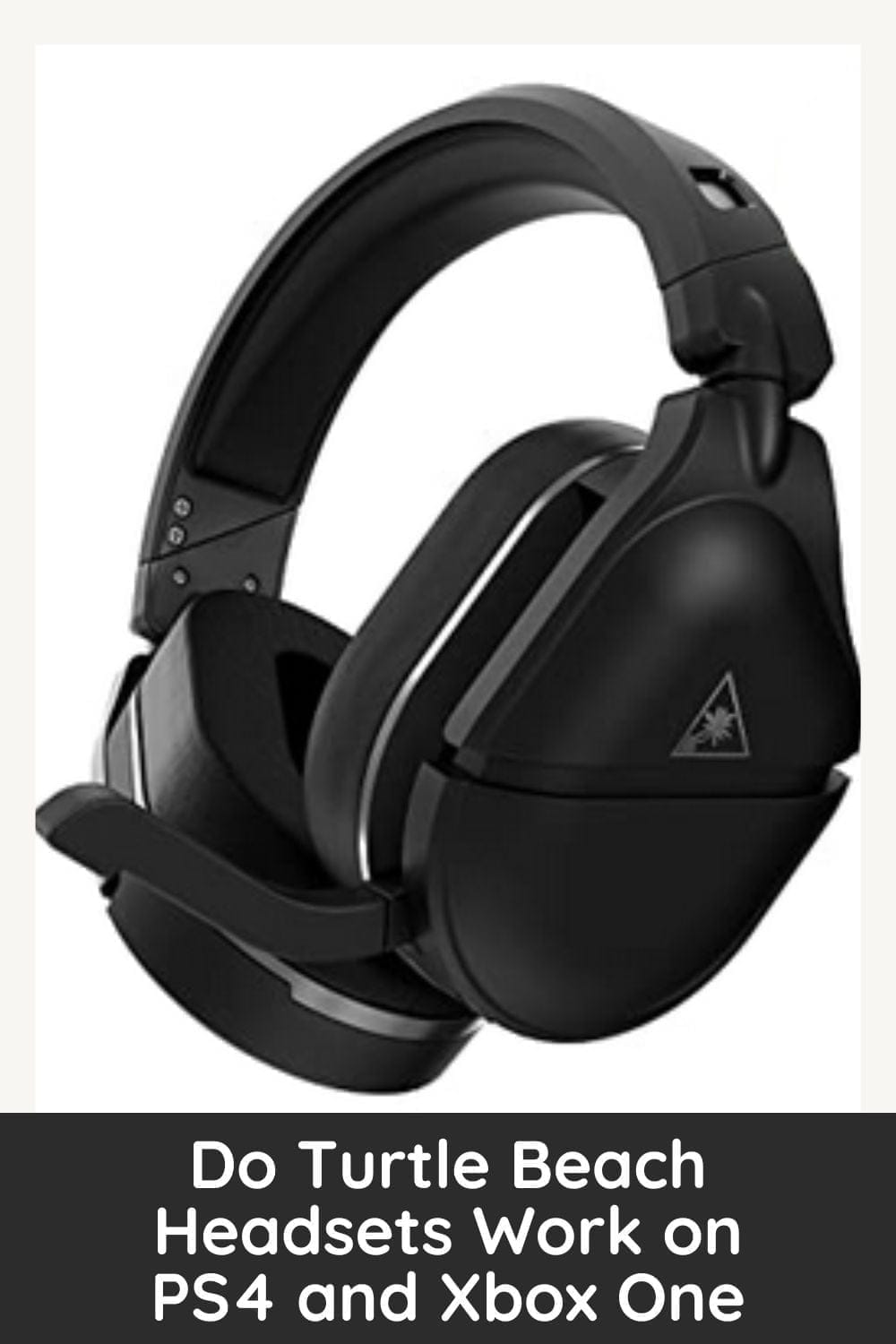
If you’re thinking about buying a Turtle Beach headset, one of the first questions you probably have is:
Will it work on PS4 and Xbox One?
The short answer is yes — most Turtle Beach headsets work on both consoles, but compatibility depends on the specific model, connection type, and whether you’re choosing a PlayStation or Xbox version.
This detailed guide explains everything you need to know, including:
- Which Turtle Beach headsets work on PS4
- Which models work on Xbox One
- Wired vs wireless compatibility differences
- How to set up your headset properly
- Common issues and easy fixes
- What to check before buying
By the end, you’ll know exactly which Turtle Beach headset is right for your console.
Understanding How Turtle Beach Headsets Connect
Before looking at console compatibility, it’s important to understand the three main ways Turtle Beach headsets connect:
1. 3.5mm Wired Connection (Most Universal)
This is the simplest and most reliable option. The headset plugs directly into the controller using a standard 3.5mm audio jack.
If your headset uses a 3.5mm plug, it will almost always work on:
- PlayStation 4 (PS4, PS4 Slim, PS4 Pro)
- Xbox One (as long as the controller has a 3.5mm port)
This is the safest choice if you want cross-console compatibility.
2. USB Connection
Some headsets connect via USB.
- PS4 supports many USB audio headsets.
- Xbox One generally does not support USB audio headsets for full game audio.
This is where confusion usually happens. A USB-only headset may work perfectly on PS4 but not function correctly on Xbox One.
3. Wireless (Transmitter or Console Wireless)
Wireless Turtle Beach headsets typically connect in one of two ways:
- Through a USB transmitter (dongle or base station)
- Through built-in Xbox Wireless (on Xbox-compatible models)
Important: Wireless models are usually sold in separate PlayStation and Xbox versions, even if they look identical.
Do Turtle Beach Headsets Work on PS4?
Yes, the vast majority of Turtle Beach headsets work with PS4. The console is relatively flexible when it comes to audio devices.
Wired Headsets on PS4
If your Turtle Beach headset has a 3.5mm connector, setup is simple:
- Plug it into your PS4 controller.
- Go to Settings.
- Select Devices.
- Open Audio Devices.
- Set Output to Headphones to “All Audio.”
That’s it.
Models like the Turtle Beach Recon 70 and Recon 200 work instantly this way.
USB Headsets on PS4
Many USB headsets are compatible with PS4. Once plugged into a USB port, the console typically detects the device automatically.
However, not every USB headset is supported. Always verify compatibility on the product box or official description.
Wireless Turtle Beach Headsets on PS4
Wireless models designed for PlayStation include a USB transmitter. Setup usually involves:
- Plugging the transmitter into the PS4.
- Powering on the headset.
- Allowing automatic pairing.
If you purchase the PlayStation version, you should have no issues.
Do Turtle Beach Headsets Work on Xbox One?
Yes — but Xbox One is slightly more restrictive than PS4, especially with USB audio.
Wired Headsets on Xbox One
If your Xbox One controller includes a 3.5mm jack (most modern controllers do), simply plug the headset in.
If you have an older controller without a headphone port, you’ll need an Xbox Stereo Headset Adapter.
Once connected:
- Press the Xbox button.
- Go to Settings.
- Select Devices & Connections.
- Open Audio.
- Adjust headset volume and chat mixer.
Wired models like the Recon 70 and Recon 200 work perfectly this way.
USB Headsets on Xbox One
This is where problems arise.
Xbox One does not generally support USB headsets for game audio. If a Turtle Beach headset connects only via USB and has no 3.5mm option, it may not work properly on Xbox One.
Always check for a controller jack option if you plan to use it on Xbox.
Wireless Turtle Beach Headsets on Xbox One
There are two types of wireless compatibility:
Xbox Wireless Models
Some Turtle Beach headsets connect directly to Xbox One without a dongle using Xbox Wireless technology.
These sync like a controller and provide full game and chat audio.
Transmitter-Based Models
Some Xbox versions include a dedicated USB transmitter. As long as you purchase the Xbox-specific version, it should work seamlessly.
Important: A PlayStation wireless version will not work wirelessly on Xbox One.
Platform Versions: Why It Matters
One of the biggest sources of confusion is packaging.
Many Turtle Beach wireless headsets come in:
- PlayStation version
- Xbox version
They may look identical, but the internal wireless system differs.
You cannot use a PlayStation wireless transmitter on Xbox One, and vice versa.
If you want guaranteed compatibility across both consoles, choose a wired 3.5mm model.
Best Turtle Beach Headsets for PS4 and Xbox One
Here are some dependable models known for cross-platform use.
Turtle Beach Recon 70
- Wired 3.5mm connection
- Lightweight design
- Flip-to-mute microphone
- Works on PS4 and Xbox One
This is a budget-friendly universal option.
Turtle Beach Recon 200
- Amplified wired headset
- Bass boost feature
- Compatible via 3.5mm
- Works on both consoles
A solid mid-range choice.
Turtle Beach Stealth 600 (Console Versions)
- Wireless
- Separate PS4 and Xbox models
- Strong battery life
- Clear mic performance
Make sure you purchase the correct version.
Turtle Beach Stealth 700
- Premium wireless option
- Bluetooth support on some versions
- Advanced audio controls
- Console-specific models
Ideal for serious gamers who want wireless convenience.
Features That May Work Differently
Even if a headset works on both consoles, certain features can behave differently:
- Equalizer presets may require PC software.
- 3D or surround audio depends on console settings.
- Mic monitoring levels may vary between systems.
- Wireless pairing methods differ by platform.
Core game audio and chat functionality generally remain consistent.
Common Problems and How to Fix Them
No Sound
- Check that the headset is fully inserted.
- Confirm output settings are set to “All Audio.”
- Increase headset volume in console settings.
- Make sure mute is not activated.
Microphone Not Working
- Ensure the mic is flipped down (if applicable).
- Check mic settings in console audio menu.
- Adjust chat mixer balance on Xbox.
- Verify headset is not muted physically.
Wireless Not Connecting
- Confirm you bought the correct console version.
- Restart the console.
- Re-sync headset and transmitter.
- Check battery level.
Is Turtle Beach Better on PS4 or Xbox One?
Both consoles support Turtle Beach well, but there are slight differences:
PS4 Advantages:
- More flexible USB support
- Straightforward setup
Xbox One Advantages:
- Native Xbox Wireless support on compatible models
- Strong integration with chat mixer settings
In real-world use, performance is excellent on both systems when the correct headset version is chosen.
Buying Checklist: Avoid Compatibility Mistakes
Before purchasing, confirm the following:
- Does it have a 3.5mm jack?
- Is it labeled for PlayStation or Xbox?
- Does it rely only on USB?
- Do you want wired or wireless?
- Does your controller have a headphone port?
If unsure, wired 3.5mm models remain the safest cross-platform choice.
Final Answer: Do Turtle Beach Headsets Work on PS4 and Xbox One?
Yes, Turtle Beach headsets work on PS4 and Xbox One — but compatibility depends on the connection type and whether you buy the correct console version.
For guaranteed compatibility across both systems, choose a wired headset with a 3.5mm connection.
If you prefer wireless, make sure you select the PlayStation or Xbox edition specifically designed for your console.
With the right choice, Turtle Beach headsets deliver clear audio, strong microphone performance, and immersive gameplay on both PS4 and Xbox One.