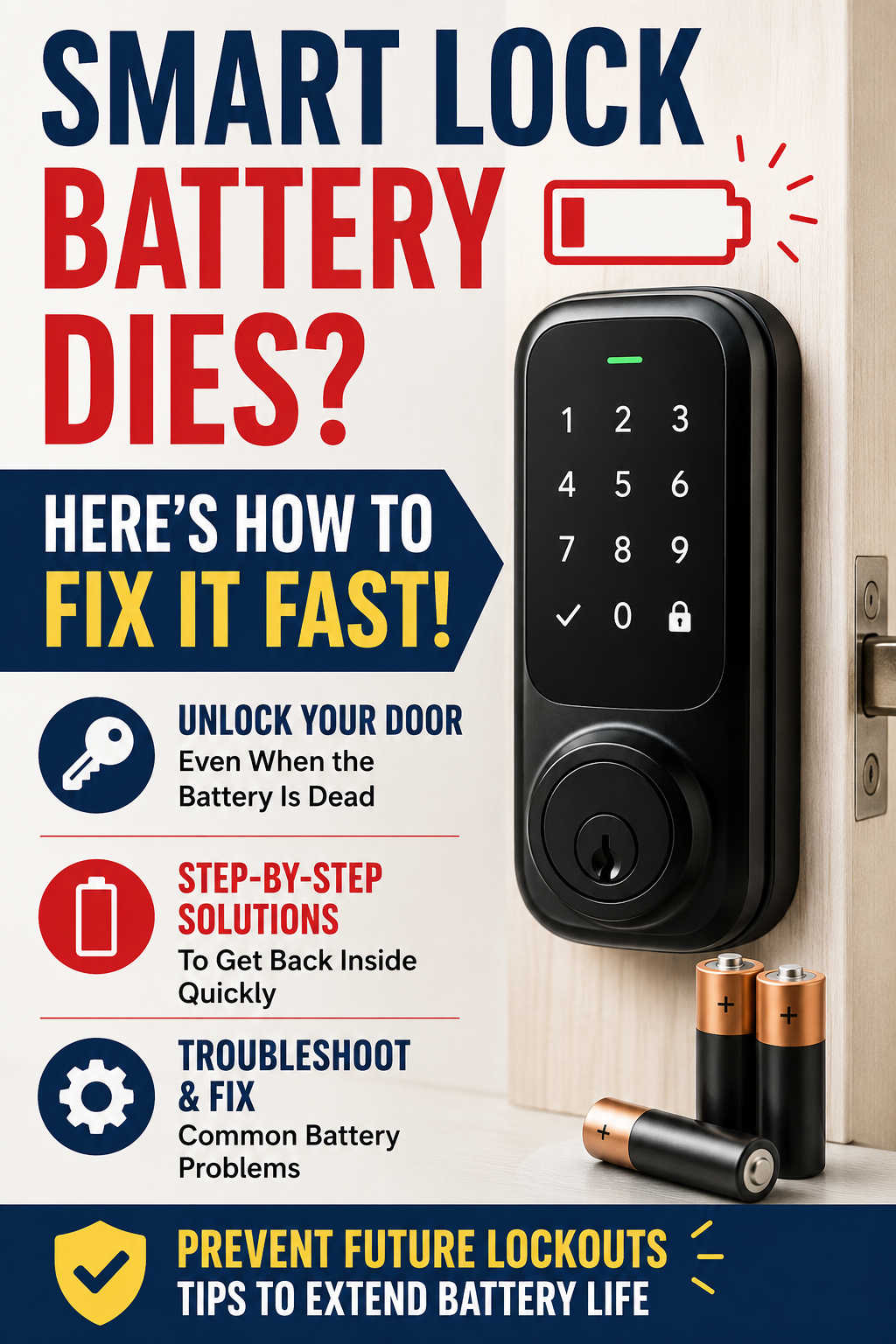
Smart locks have become a popular upgrade for modern homes, offering convenience, enhanced security, and keyless access. Whether you unlock your door with a PIN code, smartphone app, fingerprint, or voice assistant, smart locks eliminate many of the hassles associated with traditional keys.
However, smart locks have one major dependency: power.
Sooner or later, every smart lock battery reaches the end of its life. When that happens, homeowners often panic, especially if they discover the issue while standing outside a locked door. A dead smart lock battery can prevent remote access, disable the keypad, and leave you wondering how to get back inside your home.
The good news is that most smart lock battery problems are easy to fix. Even better, many lockouts can be prevented with a few simple maintenance habits.
In this guide, you’ll learn what happens when a smart lock battery dies, how to unlock your door in an emergency, common causes of battery failure, troubleshooting solutions, battery replacement tips, and practical strategies to maximize battery life.
Why Smart Lock Batteries Die
Every smart lock relies on a power source to operate electronic components such as motors, wireless radios, sensors, and keypads. Over time, batteries naturally lose capacity and eventually require replacement.
While battery depletion is normal, several factors can accelerate the process.
Normal Battery Wear
The most common reason a smart lock stops working is simply that the batteries have reached the end of their usable lifespan.
Depending on the model and usage frequency, batteries typically last anywhere from six months to two years.
Factors that influence battery life include:
- Number of lock and unlock cycles
- Wireless connectivity settings
- Environmental conditions
- Battery type
- Firmware efficiency
Heavy daily use usually results in faster battery drain.
Extreme Weather Conditions
Temperature plays a significant role in battery performance.
Cold weather can dramatically reduce battery efficiency. During winter, batteries may appear completely dead even when some charge remains.
Hot climates can also shorten battery lifespan by accelerating chemical degradation inside the battery cells.
Continuous Wi-Fi Connectivity
Wi-Fi-enabled smart locks generally consume more power than Bluetooth-only models.
Because Wi-Fi locks maintain regular communication with cloud servers, they require additional energy throughout the day. Homeowners often notice shorter battery life after enabling remote access features.
Poor-Quality Batteries
Not all batteries perform equally.
Low-cost batteries may provide inconsistent voltage levels and often drain faster than premium alternatives. In some cases, inferior batteries may leak and damage internal contacts.
Mechanical Resistance
Smart locks contain small motors that move the deadbolt automatically.
If the door is misaligned or the bolt experiences resistance, the motor must work harder during every lock cycle. This increased workload can significantly reduce battery life.
Software and Firmware Issues
Although less common, outdated firmware can occasionally cause abnormal battery drain.
Software bugs may prevent the lock from entering low-power mode or trigger unnecessary communication with connected devices.
Signs Your Smart Lock Battery Is About to Die
Most smart locks provide several warning signs before completely losing power.
Recognizing these early indicators can help you avoid getting locked out.
Low Battery Alerts
Many manufacturers send notifications through their mobile applications when battery levels become critically low.
These alerts may appear as:
- Push notifications
- Email messages
- Smart home notifications
- In-app warnings
Ignoring these warnings is one of the most common reasons homeowners experience unexpected lockouts.
Slower Lock Operation
A healthy smart lock should respond quickly.
If locking and unlocking suddenly become slower than normal, weak batteries may be struggling to provide sufficient power to the motor.
Dim or Unresponsive Keypad
Many keypad-equipped smart locks display visible signs of low power.
The keypad may:
- Appear dimmer than usual
- Respond inconsistently
- Require multiple button presses
- Fail to illuminate completely
Warning Beeps
Some smart locks emit audible alerts when battery levels fall below a certain threshold.
Repeated warning tones after locking or unlocking should never be ignored.
Connectivity Problems
As battery power decreases, wireless communication may become unreliable.
You may notice:
- Frequent disconnections
- Delayed app responses
- Failed remote commands
- Reduced Bluetooth range
What Happens When a Smart Lock Battery Dies Completely?
The exact behavior depends on the lock manufacturer and model.
In most cases, the lock remains in its last state.
For example:
- If the door was locked, it usually stays locked.
- If the door was unlocked, it often remains unlocked.
What typically stops working includes:
- Smartphone control
- Keypad access
- Fingerprint scanners
- Voice assistant integration
- Remote monitoring features
Fortunately, most reputable smart lock manufacturers include emergency backup options specifically designed for dead-battery situations.
How to Unlock a Smart Lock When the Battery Dies
If your smart lock battery dies unexpectedly, don’t panic.
Several solutions can help you regain access quickly.
Use the Physical Backup Key
Many smart locks include a traditional key cylinder hidden beneath a cover.
This backup system is often the fastest way to enter your home.
Steps:
- Locate the concealed keyhole.
- Remove any protective cover.
- Insert the backup key.
- Turn the key to unlock the door.
- Replace the batteries immediately.
If your smart lock includes a physical key override, always keep the backup key in a secure but accessible location.
Use Emergency Battery Contacts
Some smart locks feature external power terminals for emergency situations.
These contacts are commonly found beneath the keypad.
How It Works
A 9-volt battery temporarily supplies enough power for the lock to function.
Steps:
- Locate the emergency terminals.
- Hold a fresh 9V battery against the contacts.
- Wait for the keypad to activate.
- Enter your access code.
- Unlock the door.
- Replace the internal batteries.
This feature can be a lifesaver when you’re locked out.
Recharge the Battery Pack
Certain smart locks use rechargeable battery packs rather than disposable batteries.
If your lock supports this feature:
- Remove the battery pack.
- Connect it to the charger.
- Allow it to recharge fully.
- Reinstall the battery.
- Test all lock functions.
Always use approved charging accessories recommended by the manufacturer.
Access Through Another Entry Point
If your smart lock is completely inaccessible and lacks emergency power features, you may need to enter through another unlocked door or window.
Once inside, replacing the batteries is usually straightforward.
How to Replace Smart Lock Batteries Correctly
Battery replacement may seem simple, but following proper procedures can help prevent future issues.
Step 1: Open the Interior Battery Compartment
Most battery compartments are located on the inside portion of the lock.
Remove the cover carefully according to the manufacturer’s instructions.
Step 2: Remove Existing Batteries
Inspect each battery for signs of:
- Corrosion
- Leakage
- Swelling
- Physical damage
Damaged batteries should be disposed of properly.
Step 3: Clean the Contacts
Battery contacts should be clean and free from corrosion.
Use:
- A dry microfiber cloth
- A cotton swab
- A small amount of vinegar for corrosion removal
Allow everything to dry completely before reinstalling batteries.
Step 4: Install Fresh Batteries
Insert new batteries according to the polarity markings.
Double-check orientation before closing the compartment.
Step 5: Test Lock Performance
Verify that:
- The keypad responds properly.
- The app reconnects successfully.
- Lock and unlock functions operate smoothly.
- Notifications are functioning normally.
Smart Lock Still Not Working After Battery Replacement?
Sometimes replacing batteries doesn’t solve the problem.
If your lock remains unresponsive, additional troubleshooting may be necessary.
Verify Battery Orientation
Incorrect battery placement is surprisingly common.
Even one reversed battery can prevent the lock from powering on.
Check for Corroded Contacts
Corrosion can interrupt power flow and prevent the lock from functioning correctly.
Inspect all battery terminals carefully.
Restart the Lock
Some electronic locks benefit from a power reset.
Try:
- Removing all batteries.
- Waiting 60 seconds.
- Reinstalling fresh batteries.
- Testing the lock again.
Perform a Factory Reset
If software issues are suspected, a factory reset may restore functionality.
Keep in mind that resetting the lock typically erases user settings and access codes.
Update Firmware
Outdated firmware occasionally causes battery and connectivity problems.
Check the manufacturer’s app for available updates.
Examine Door Alignment
A poorly aligned door can force the lock motor to work harder than intended.
Look for:
- Deadbolt resistance
- Door sagging
- Strike plate misalignment
- Rubbing during operation
Correcting alignment issues often improves both performance and battery life.
How Long Should Smart Lock Batteries Last?
Battery lifespan varies considerably depending on the lock’s features and usage.
General estimates include:
Bluetooth Smart Locks
Expected battery life:
8–18 months
Bluetooth consumes relatively little power and is often the most battery-efficient option.
Wi-Fi Smart Locks
Expected battery life:
3–12 months
Constant network communication requires more energy.
Zigbee Smart Locks
Expected battery life:
6–24 months
These locks are known for excellent power efficiency.
Z-Wave Smart Locks
Expected battery life:
6–18 months
Many smart home enthusiasts choose Z-Wave for its balance of functionality and battery conservation.
Rechargeable Smart Locks
Expected battery life:
3–12 months per charge cycle depending on usage and battery capacity.
Best Batteries for Smart Locks
Choosing the right batteries can significantly improve reliability.
Lithium Batteries
Lithium batteries are often considered the best option because they offer:
- Longer lifespan
- Better cold-weather performance
- Stable voltage output
- Reduced leakage risk
They typically cost more upfront but often provide better long-term value.
Premium Alkaline Batteries
High-quality alkaline batteries remain an excellent choice for many smart locks.
They provide reliable performance and are widely available.
Avoid Cheap Generic Batteries
Low-cost batteries may save money initially but often result in:
- Shorter battery life
- Voltage fluctuations
- Increased leakage risk
- More frequent replacements
How to Prevent Future Smart Lock Battery Failures
The best way to handle battery issues is to prevent them before they occur.
Replace Batteries Before They Are Empty
Many experts recommend replacing batteries once levels reach approximately 20%.
Waiting until batteries are completely dead increases the risk of unexpected lockouts.
Enable Mobile Notifications
Battery alerts provide valuable warning before problems develop.
Ensure app notifications remain enabled on your smartphone.
Keep Spare Batteries at Home
Having replacement batteries readily available can save time and frustration.
Store them in a cool, dry location.
Reduce Unnecessary Wi-Fi Usage
If remote access isn’t essential, Bluetooth operation may extend battery life significantly.
Maintain Proper Door Alignment
Smooth deadbolt movement reduces motor strain and power consumption.
Inspect door alignment periodically throughout the year.
Update Firmware Regularly
Manufacturers frequently release updates that improve performance and optimize power management.
Test Backup Entry Methods
Don’t wait for an emergency to discover whether your backup key is missing.
Periodically verify that:
- Backup keys work correctly.
- Emergency power contacts function properly.
- Family members know alternative entry methods.
Common Smart Lock Battery Mistakes Homeowners Make
Avoiding these common mistakes can extend battery life and improve reliability.
Ignoring Low-Battery Warnings
Many lockouts occur simply because warnings were overlooked.
Mixing Battery Types
Never mix:
- Old and new batteries
- Different battery brands
- Different battery chemistries
This can lead to uneven discharge and reduced performance.
Using Unsupported Rechargeable Batteries
Some smart locks require specific voltage levels that certain rechargeable batteries cannot provide consistently.
Always follow manufacturer recommendations.
Neglecting Corrosion
Minor corrosion can quickly become a major electrical problem if left untreated.
Forcing a Misaligned Deadbolt
Excessive resistance accelerates both battery drain and mechanical wear.
When It’s Time to Contact Customer Support
If you’ve replaced the batteries, performed troubleshooting steps, and the lock still fails to operate correctly, professional assistance may be necessary.
Contact support if you notice:
- Rapid battery drain
- Complete unresponsiveness
- Repeated software crashes
- Failed firmware updates
- Motor malfunction
- Visible internal damage
Having your model number and purchase information available can help speed up the support process.
Frequently Asked Questions
Can a Smart Lock Unlock Itself When the Battery Dies?
No. Most smart locks remain in their current position when power is lost. They do not automatically unlock for security reasons.
How Often Should Smart Lock Batteries Be Replaced?
For most households, replacing batteries every six to twelve months is a practical preventive maintenance schedule.
Does Cold Weather Affect Smart Lock Batteries?
Yes. Low temperatures can significantly reduce battery performance and cause locks to appear dead even when some charge remains.
Why Does My Smart Lock Drain Batteries So Quickly?
Common causes include Wi-Fi connectivity, heavy usage, poor-quality batteries, door misalignment, and firmware issues.
Are Lithium Batteries Worth the Extra Cost?
For many homeowners, yes. Lithium batteries generally provide longer lifespan, better performance in extreme temperatures, and improved reliability.
Final Thoughts
A dead smart lock battery can be inconvenient, but it doesn’t have to become a security emergency. Most modern smart locks include multiple backup access methods, and replacing batteries is usually a quick fix.
The key is preparation. Paying attention to low-battery warnings, using quality batteries, maintaining proper door alignment, and keeping firmware updated can dramatically reduce the chances of being locked out.
By understanding why smart lock batteries fail and knowing exactly what to do when they do, you can keep your smart lock operating reliably, maintain home security, and avoid the stress of unexpected lockouts in the future.