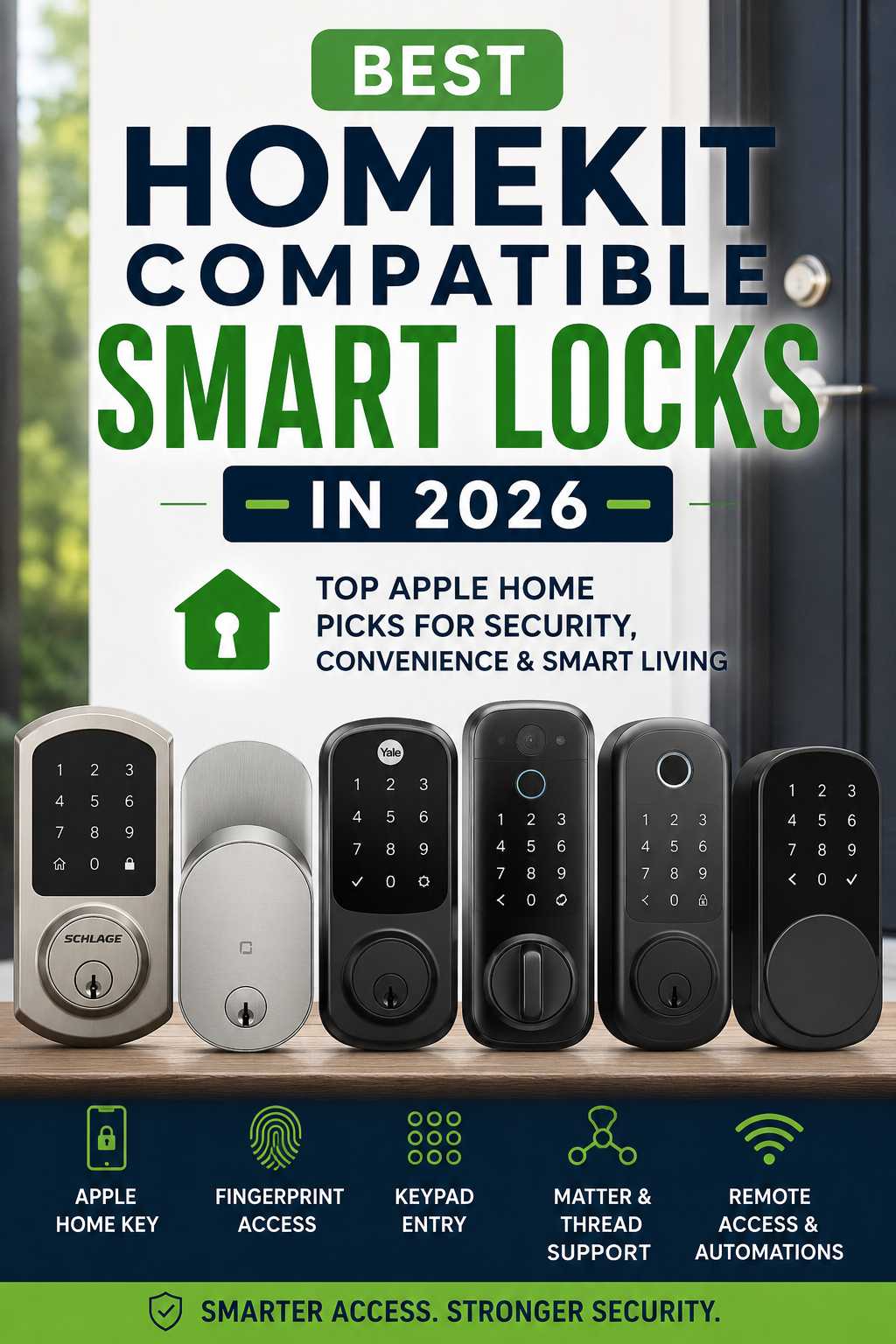
Fumbling for keys with a bag of shopping in each hand gets old fast. A good HomeKit smart lock fixes that. Your iPhone or Apple Watch becomes the key, Siri handles the rest, and the Home app shows whether the door is locked without you walking back to check.
The catch is that not every lock labeled “HomeKit compatible” delivers the same experience. Some open the instant you tap your phone. Others only offer basic remote control. This guide walks through the best HomeKit smart locks in 2026, explains what separates them, and helps you pick one you won’t regret.
Our Top HomeKit Smart Lock Picks in 2026
Before the details, here is a quick comparison. Prices are US list or launch figures and can change.
| Best for | Lock | Approx. price | Home Key support |
|---|---|---|---|
| A lock that hides in plain sight | Level Lock Pro | $349 | Yes (tap) |
| Unlocking as you walk up | Schlage Sense Pro | $399 | Yes (hands-free) |
| Dependable daily use | Schlage Encode Plus | about $319 | Yes (tap) |
| Fingerprint plus extras | Aqara U400 / U200 | U400 about $270 at launch | Yes |
| Tap-to-unlock on a smaller budget | Yale Assure Lock 2 Plus | from $210 | Yes (tap) |
| The lowest-cost Matter option | Kwikset Aura Reach | $189 | No |
Understanding the Tech Before You Buy
A few terms come up again and again in smart lock listings. Knowing them takes the guesswork out of shopping.
Home Key vs. plain HomeKit control
Every lock in this guide can be controlled through the Home app. Home Key is a separate perk. It stores a digital key in Apple Wallet, so you simply hold your iPhone or Watch near the lock to open it. If tap-to-unlock matters to you, confirm the lock lists Home Key by name.
What Matter and Thread bring to the table
Many newer locks connect through Matter over Thread. Thread is a low-power mesh network, so these locks usually react quickly and go easy on batteries. Matter, meanwhile, lets the same lock appear in Apple Home, Google Home, Alexa and SmartThings. That is useful if family members use different phones.
Why a home hub still matters
For remote access, notifications and automations, a Thread lock needs a border router. A HomePod mini, second-generation HomePod or recent Apple TV 4K can play that role. If you don’t have one, budget for it, because it affects how well the lock works when you’re away.
Best HomeKit Smart Locks, Reviewed in Detail
Each lock below gets a short rundown of its strengths, drawbacks and ideal owner.
Level Lock Pro: the lock that looks like a regular deadbolt
Most smart locks announce themselves with bulky keypads or glowing screens. The Level Lock Pro does the opposite. Its electronics sit inside the door, so from outside it looks like an ordinary deadbolt. That makes it a favorite with people who care about curb appeal.
It offers Home Key, Matter over Thread and door status detection. Two NFC key fobs come in the box, which is handy for children or visitors who don’t use iPhones. Reviewers found it quick in the Home app.
The compromises are straightforward. There is no built-in keypad, so PIN codes require an optional accessory. Some testers felt Home Key could be a little slow at times. You also need a Thread border router for remote control, unless you add Level’s Wi-Fi bridge.
A good fit if you want a discreet lock. Think twice if you want a keypad or fingerprint reader out of the box.
Schlage Sense Pro: the closest thing to a doorman
The Sense Pro is Schlage’s first lock with ultra-wideband (UWB). That technology lets the lock sense your phone as you approach, so the door can open without a tap. It costs $399, the highest price on this list, but it gives the most effortless daily routine.
It also supports Matter over Thread, has built-in Wi-Fi and can hold up to 250 access codes. Early reviews praised the walk-up unlock as more dependable than older approaches that rely on your phone’s location.
Keep two things in mind. The Sense Pro has no keyhole, so you need a plan for flat batteries or a missing phone. It is also very new, so long-term durability is still an open question.
A good fit if you want the smoothest experience and will pay for it.
Schlage Encode Plus: the safe, steady choice
The Encode Plus was among the first locks to bring Home Key to North America, and it has built a reputation for reliability. It combines a keypad, a physical key and tap-to-unlock in a familiar deadbolt design. Those backup options are comforting if several people share the house.
It costs more than the standard Encode and doesn’t offer UWB or fingerprint entry. For many households, though, predictable performance matters more than novelty.
A good fit if you want proven hardware and more than one way to get inside.
Aqara U400 and U200: lots of features for the money
Aqara loads its locks with options. The U400 pairs Home Key with UWB, then adds fingerprint, PIN, NFC and a mechanical key. It fits a standard deadbolt bore, which covers most US doors. The U200 is a more affordable retrofit model that also supports Home Key and Matter over Thread.
Setup can take patience. Most features need a Thread border router, and a few owners reported pairing problems when connecting through Aqara’s own hub. If you have an Apple hub, pairing through that is often smoother. Battery life is around six months.
A good fit if you love fingerprint unlocking and want plenty of choices.
Yale Assure Lock 2 Plus: Home Key without the premium price
Yale’s Assure Lock 2 Plus offers tap-to-unlock from around $210 for the Bluetooth version. Wi-Fi costs extra. It’s a sensible way into Home Key if money is tight.
There are limits. The lock has no backup key, and Yale doesn’t offer a version combining Home Key with a fingerprint reader. If you always have your phone, that’s fine. If you have forgetful teens or frequent guests, you might want a lock with a keypad or key.
Kwikset Aura Reach: smart control at the lowest cost
At about $189, the Aura Reach is the cheapest route to Matter over Thread here. You can lock and unlock from the Home app, use Siri and build automations. What it lacks is Home Key, UWB and Wi-Fi.
It suits people who mainly want remote checks and simple schedules rather than tap-to-unlock.
Questions to Ask Before You Choose
Picking a lock is easier when you start with your own habits instead of a spec sheet. These questions help narrow the field.
How do you and your family prefer to unlock the door?
If you want hands-free entry, the Sense Pro and Aqara U400 lead the pack. For a simple tap, the Level Lock Pro, Encode Plus and Yale Assure Lock 2 Plus all work well. If you like fingerprints, Aqara is the clear choice.
What happens when your phone dies?
Every household has a day when the phone battery hits zero. A keypad, physical key or NFC fob gives you a way in. Locks without a keyhole need extra planning, such as a spare code or a trusted neighbor.
Does the lock fit your door?
Check door thickness and the size of the existing hole before buying. Most modern locks suit standard US deadbolt preparations, but older or unusual doors can be an exception. A quick measurement saves a return trip.
Do you already have a Thread border router?
If not, add a HomePod mini or compatible Apple TV to your budget. It improves the connection and lets you use the remote features you’re paying for.
Installation Tips That Prevent Headaches
Most smart lock trouble starts at installation, so it pays to get this part right.
Line up the door first
A bolt that drags against the strike plate forces the motor to work harder. That drains batteries and may stop the lock from finishing a cycle. Test the bolt by hand before installing anything. If it catches, adjust the strike plate until it slides freely.
Pair the lock close to your hub
During setup, stand near your HomePod or Apple TV. A strong signal at pairing time helps the lock join the network cleanly. You can walk away afterward.
Add backups straight away
Register your fobs, set a spare PIN where the lock allows it and share Home Key with family before you need to. Doing this on day one is far easier than sorting it out when you’re locked out.
Fixing Common HomeKit Lock Problems
Even good locks have off days. Work through these fixes in order, because each one rules out a cause before you move on.
The lock reacts slowly
Replace the batteries first. A weak battery can’t drive the motor and radios properly, and the lock may feel sluggish long before a warning appears. Fresh batteries restore full power.
If that doesn’t help, restart your hub. The lock talks to your network through it, so a stale connection on the HomePod or Apple TV can make a healthy lock seem broken.
Home Key doesn’t respond
Hold your iPhone or Apple Watch flat against the lock’s reader area and pause briefly, because NFC works only at very short range. Try removing your phone case, since thick or metal cases can weaken the signal. If it works without the case, you’ve found the culprit.
Then check that the key still appears in Wallet. If it’s missing, remove and re-add it from the Home app to rebuild the link between your device and the lock.
The Home app says “No Response”
This usually points to a network problem rather than a faulty lock. Test whether the lock responds over Bluetooth when you stand next to it. If it does, the lock is fine and the path to your hub is weak. Adding a plugged-in Thread device between them, such as another HomePod mini, strengthens the mesh because powered devices relay signals.
Automations fire late or twice
Look for firmware updates, which often improve stability. Then review your automations for clashes, such as one rule locking the door while another unlocks it moments later. Simplifying them removes the conflict.
Re-pairing as a last resort
Removing and re-adding the lock resets its connection to Apple Home, which can clear up a corrupted setup. Because it may erase codes and settings, try the other fixes first.
Is It Worth Waiting for Aliro?
You may have heard about Aliro, a new standard meant to let one digital key work across different lock brands using NFC and UWB. The first version arrived in early 2026, and compatible locks are starting to appear.
Many older locks can’t be updated to support it because they lack the necessary radios. Models with both NFC and UWB, such as the Aqara U400 and Schlage Sense Pro, look better placed for the future. Even so, if your current lock is failing or you want Home Key now, waiting rarely makes sense. Check each brand’s Aliro plans before you buy.
When to Upgrade and When to Keep Your Current Lock
Replacing a lock isn’t always necessary. Consider upgrading if your lock is slow, unreliable or missing Home Key and you’d use it daily. It also makes sense if you want to combine several unlock methods or add hands-free entry.
If your current lock works well and you only occasionally want remote control, a basic Matter lock or a round of troubleshooting may be all you need. Pay for extras only if you’ll truly use them.
Frequently Asked Questions
Do I need Home Key to use a HomeKit lock?
No. You can lock and unlock through the Home app and Siri without it. Home Key simply makes entry faster by letting you tap your iPhone or Apple Watch.
Will my lock work if the internet goes down?
Local features such as Home Key and Bluetooth control generally keep working. Remote access and notifications depend on your internet connection and a hub.
Can guests without iPhones use these locks?
Often, yes. Many models support PIN codes, NFC fobs or companion apps, so people without Apple devices can still get in.
Are smart locks safe to rely on?
Choose a lock with a solid security rating, keep its firmware updated and set up a backup way in. Used that way, a smart lock can be as dependable as a conventional deadbolt for everyday use.
What is the best HomeKit smart lock overall?
It depends on your priorities. The Level Lock Pro suits design lovers, the Schlage Sense Pro leads on hands-free entry, and the Encode Plus is the dependable all-rounder.
Final Thoughts
The best HomeKit smart lock is the one that fits how you actually live. Level gives you a hidden, tidy look. Schlage offers either hands-free entry with the Sense Pro or steady reliability with the Encode Plus. Aqara packs in features, while Yale and Kwikset keep the price down.
If you already own a smart lock that’s misbehaving, try the fixes above before spending money. Fresh batteries, a hub restart or a quick door alignment solve more problems than most people expect. Give them a try, and your front door may soon work exactly the way you wanted.