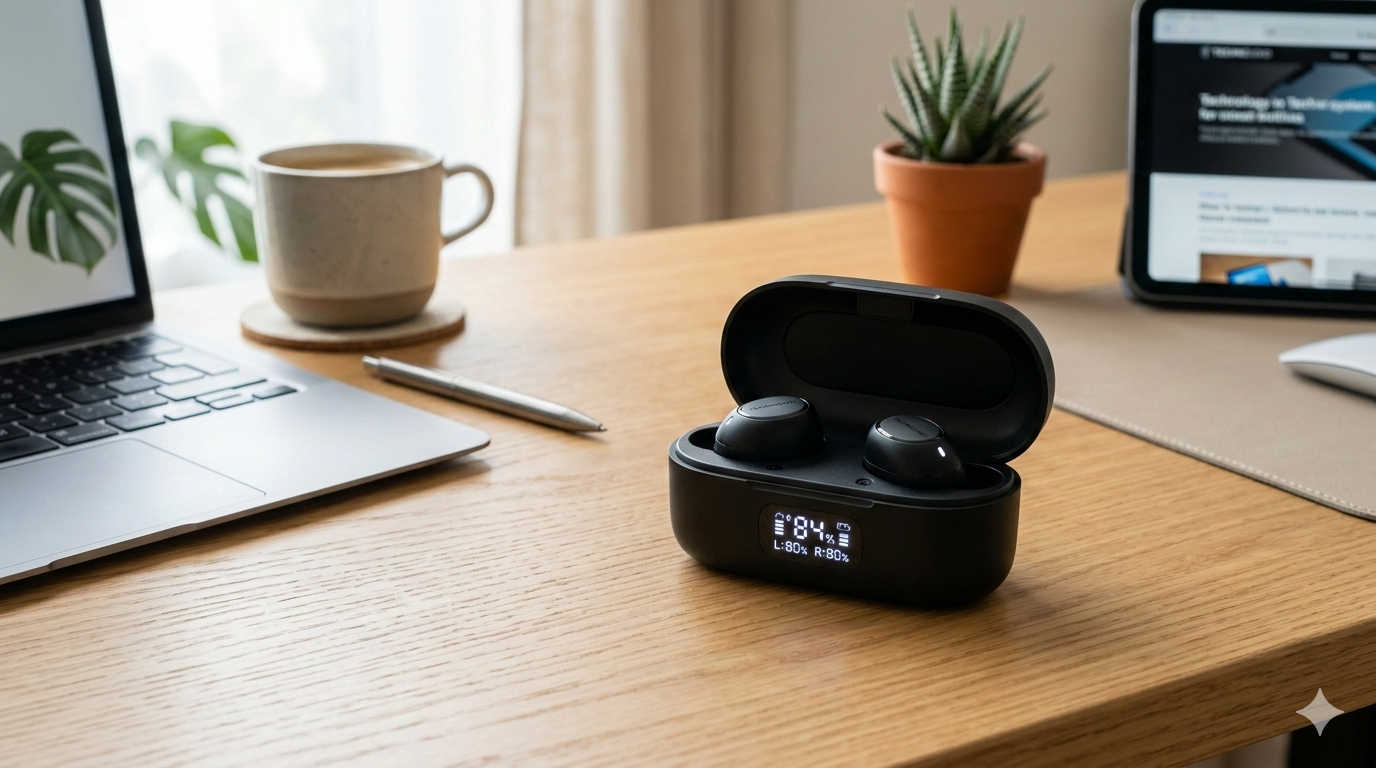
Wireless earbuds have become a daily essential for many people—whether you’re commuting, studying, working, or exercising. Among the many brands available today, Skullcandy stands out for offering stylish earbuds with strong bass, modern features, and affordable prices. If you own or plan to buy a pair, one common question naturally comes up: how long does it take for Skullcandy earbuds to charge?
Charging speed matters because it determines how quickly you can get back to listening to music, joining calls, or watching videos. No one likes waiting hours for their earbuds to recharge. Fortunately, most Skullcandy earbuds are designed with efficient batteries and rapid-charge technology that allows you to get several hours of listening time with only a short charging session.
In this guide, we’ll explore everything you need to know about Skullcandy earbud charging times, including how long different models take to charge, how rapid charging works, factors that influence charging speed, troubleshooting tips, and practical ways to extend battery life.
Average Charging Time for Skullcandy Earbuds
Most Skullcandy true wireless earbuds follow a similar charging pattern. The earbuds themselves charge when placed inside the charging case, and the case is then recharged through a USB-C cable.
In general, you can expect the following charging times:
- Earbuds charging time: 45 minutes to 1 hour
- Charging case time: 1.5 to 2 hours
- Rapid charge feature: Around 10 minutes of charging can provide up to 2 hours of listening time on many models
These numbers can vary slightly depending on the specific model and battery capacity, but they represent the typical experience for most Skullcandy users.
One major advantage of Skullcandy earbuds is the rapid charging feature included in many models. This allows you to quickly power up your earbuds even if you only have a few minutes before leaving home.
How Skullcandy Earbuds Charging Works
Understanding the charging process can help you use your earbuds more effectively.
Skullcandy true wireless earbuds use a two-stage charging system:
- Earbuds charge inside the case
- The case charges from an external power source
When you place the earbuds into the charging case, small charging pins inside the case connect to metal contacts on the earbuds. Power is transferred from the case battery to the earbuds, allowing them to recharge automatically.
The case itself acts as a portable battery pack. This means you can recharge the earbuds several times before the case needs to be plugged in again.
For example, a fully charged case may provide three to five full earbud recharges, depending on the model.
Charging Time for Popular Skullcandy Earbuds
While charging speeds are generally similar, some Skullcandy models charge faster than others. Below are examples of several well-known models and their typical charging performance.
Skullcandy Grind Fuel
The Grind Fuel earbuds are known for their excellent battery life and fast charging capability.
Typical charging performance:
- Earbuds fully charge in about 45 minutes
- Charging case takes around 2 hours to recharge
- Rapid charge provides roughly 2 hours of listening from a 10-minute charge
With up to 40 hours of total battery life, this model is ideal for people who use earbuds frequently throughout the day.
Skullcandy Indy ANC
The Indy ANC earbuds include active noise cancellation, which requires a larger battery.
Charging performance:
- Earbuds take around 1.5 to 2 hours to fully charge
- Case charging time is roughly 2 hours
- Rapid charging support is available
Because ANC uses additional power, these earbuds may take slightly longer to charge compared to simpler models.
Skullcandy Sesh ANC Active
These earbuds are designed for sports and outdoor activities.
Charging details include:
- Earbuds charge in about 1 hour
- Charging case takes around 2 hours
- Quick charge provides several hours of playback in a short time
Their battery system is optimized for people who need quick power boosts during workouts or travel.
Skullcandy Mod True Wireless
The Mod earbuds offer a balance between battery life and charging speed.
Typical charging times:
- Earbuds fully charge in about 1 hour
- Case requires about 2 hours
- Rapid charging allows quick listening sessions with minimal charging time
These earbuds are ideal for users who want reliable battery performance without long charging delays.
Skullcandy EcoBuds
EcoBuds are designed with sustainability in mind while maintaining efficient charging.
Charging performance:
- Earbuds reach full charge in about 1 hour
- Charging dock provides quick power replenishment
- Rapid charging capability is included
They offer a simple but efficient charging system that works well for everyday use.
How to Charge Skullcandy Earbuds Properly
Charging your earbuds correctly helps maintain battery performance and ensures they recharge quickly.
Follow these steps for proper charging:
- Place both earbuds into the charging case.
- Make sure they align properly with the charging contacts.
- Close the lid of the case.
- Connect the case to a power source using the provided USB-C cable.
- Allow the case to charge until the LED indicator shows full battery.
Once the earbuds are fully charged, you can remove them and they will automatically power on and connect to your device.
Understanding LED Charging Indicators
Most Skullcandy earbuds use LED lights to indicate battery status.
While the exact color patterns vary slightly between models, the general indicators include:
- Red light: Earbuds are charging
- Blinking light: Battery is low
- Blue or white light: Earbuds are fully charged
- No light: Charging is complete or the earbuds are powered off
Checking these indicators helps you know when your earbuds are ready to use.
Factors That Affect Charging Time
Several factors can influence how quickly your Skullcandy earbuds charge.
Charging Adapter Power
Using a wall adapter typically charges the case faster than plugging the cable into a laptop or computer USB port.
Cable Quality
The original USB-C cable included with the earbuds usually provides the best charging performance. Low-quality cables may slow the process.
Battery Age
As lithium batteries age, they can take longer to charge and may hold less power.
Temperature Conditions
Charging in extremely hot or cold environments can affect battery efficiency and charging speed.
Wireless Charging
Some Skullcandy charging cases support wireless charging. While convenient, wireless charging may be slightly slower than using a cable.
How to Make Skullcandy Earbuds Charge Faster
If you want to minimize charging time, consider the following tips.
Use a reliable wall charger rather than a laptop USB port. Wall adapters deliver more consistent power, which speeds up charging.
Keep the charging contacts clean. Dirt or dust on the metal connectors can interfere with power transfer.
Avoid using the earbuds while the case battery is very low. Charging works best when the case has sufficient power stored.
Store the earbuds at moderate temperatures. Extremely hot or cold conditions can slow battery performance.
Common Skullcandy Charging Problems and Solutions
Even though Skullcandy earbuds are generally reliable, charging issues can sometimes occur. Fortunately, many of these problems are easy to fix.
Earbuds Not Charging in the Case
If your earbuds are not charging, the most common cause is poor contact between the earbuds and the charging pins.
Try cleaning the charging contacts and reseating the earbuds in the case.
Charging Case Not Charging
If the case battery doesn’t charge, check the cable and adapter. Using another cable or power source often resolves the problem.
One Earbud Charging Slower
Sometimes one earbud may charge slower than the other. This usually happens when it isn’t placed correctly inside the case.
Remove both earbuds and insert them again until the LED indicator confirms charging.
Total Battery Life After Charging
Charging speed is important, but battery life matters even more. Fortunately, many Skullcandy earbuds offer impressive playtime.
Here are some typical battery ranges:
- Grind Fuel: Up to 40 hours total battery life
- Mod: Around 34 hours total
- Smokin Buds: Approximately 20 hours total
This means that after a full charge, many users can listen for several days before needing to recharge the case again.
Tips to Extend Skullcandy Earbuds Battery Life
Proper battery care helps ensure your earbuds last longer and maintain fast charging speeds.
Avoid letting the battery drop to zero frequently. Charging before the battery becomes completely empty can help maintain battery health.
Store the earbuds in their case when not in use. This protects them and ensures they remain charged.
Avoid exposing earbuds to extreme temperatures, such as leaving them inside a hot car.
Use the original charging cable whenever possible to maintain stable charging performance.
Are Skullcandy Earbuds Fast Compared to Other Brands?
Compared to many other wireless earbud brands, Skullcandy offers competitive charging performance.
Many earbuds from different brands take roughly one to two hours to charge fully. Skullcandy models generally fall within the same range but often include effective rapid charging features that provide quick listening time with minimal charging.
For everyday users, this means you rarely have to wait long before your earbuds are ready to use again.
Frequently Asked Questions
How long do Skullcandy earbuds take to fully charge?
Most Skullcandy earbuds take 45 minutes to 1 hour to fully charge, while the charging case typically requires 1.5 to 2 hours.
Can you use Skullcandy earbuds while they are charging?
No. The earbuds must stay inside the charging case during the charging process, so they cannot be used at the same time.
How long does a 10-minute charge last?
Many Skullcandy models offer rapid charging, allowing about 2 hours of playback from a 10-minute charge.
Do Skullcandy earbuds stop charging automatically?
Yes. Modern earbuds include built-in battery protection that stops charging once the battery reaches full capacity.
Why are my Skullcandy earbuds charging slowly?
Slow charging may occur due to a weak power adapter, damaged cable, dirty charging contacts, or battery wear over time.
Final Thoughts
So, how long does it take for Skullcandy earbuds to charge?
For most models, the earbuds themselves take around 45 minutes to 1 hour, while the charging case requires approximately 2 hours. Thanks to rapid charging technology, even a short 10-minute charge can provide several hours of listening time.
This combination of fast charging and long battery life makes Skullcandy earbuds a practical choice for everyday use. Whether you’re commuting, exercising, or working remotely, you can quickly recharge your earbuds and get back to your audio experience without long interruptions.
By using the correct charger, keeping the charging contacts clean, and following proper battery care practices, you can ensure your Skullcandy earbuds charge efficiently and continue performing well for years.